Tag: news

  • Peris.ai Cybersecurity Raih Penghargaan Banking & Finance di WAICF 2025 atas Inovasi Keamanan Berbasis AI

    Peris.ai Cybersecurity Raih Penghargaan Banking & Finance di WAICF 2025 atas Inovasi Keamanan Berbasis AI

    Peris.ai Menjadi Sorotan di World AI Cannes Festival 2025

    Cannes, Prancis – 15 Februari 2025 – Peris.ai Cybersecurity menerima penghargaan Banking & Finance Award di ajang World AI Cannes Festival (WAICF) 2025. Penghargaan ini mengakui solusi keamanan siber berbasis AI yang inovatif dari Peris.ai dalam melindungi institusi keuangan dari ancaman siber yang terus berkembang.

    Penghargaan Cannes Neurons Awards, yang menjadi salah satu acara utama WAICF, diberikan kepada perusahaan-perusahaan yang menghadirkan inovasi AI terbaik di berbagai industri global. Peris.ai mendapat pengakuan atas kemampuannya dalam deteksi ancaman proaktif dan respons real-time, membantu bank dan lembaga keuangan mengamankan aset digital mereka dari berbagai serangan siber.

    “Penghargaan ini menjadi bukti komitmen kami dalam merevolusi keamanan siber dengan otomatisasi berbasis AI. Kami bangga dapat menyediakan solusi keamanan yang canggih dan skalabel untuk mendeteksi serta menetralkan ancaman siber secara proaktif,” ujar perwakilan Peris.ai.

    Keunggulan AI-Driven Cybersecurity dari Peris.ai

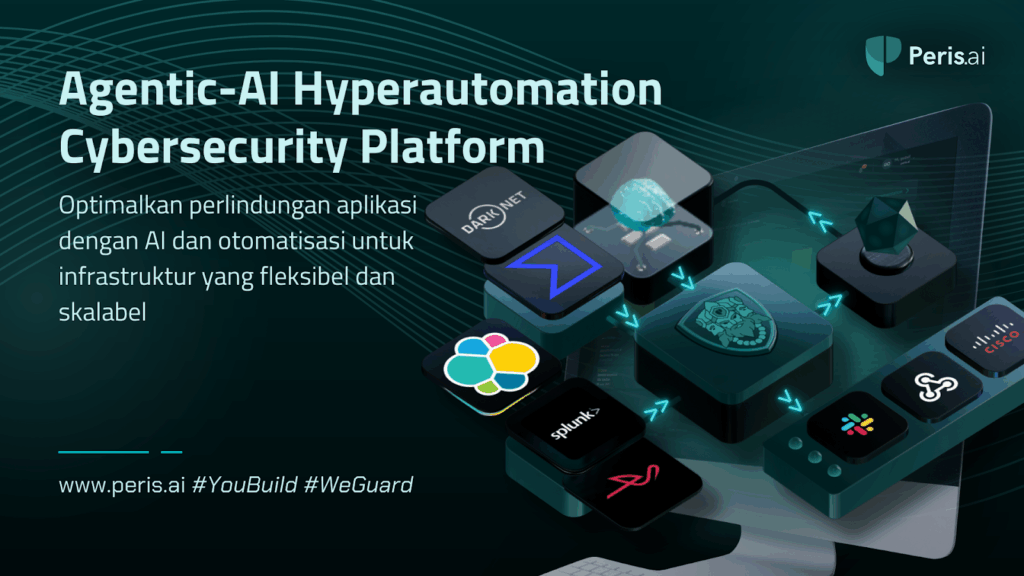
    Peris.ai Cybersecurity menawarkan rangkaian lengkap solusi keamanan berbasis AI, termasuk platform unggulan Brahma Fusion. Solusi keamanan siber hyperautomated modular ini menghadirkan pemantauan real-time, mekanisme respons otomatis, dan pembuatan playbook berbasis AI, memastikan institusi keuangan tetap tangguh menghadapi risiko siber yang terus berkembang.

    Fitur Utama Solusi Keamanan AI-Driven dari Peris.ai

    • Brahma Fusion – Platform orkestrasi keamanan berbasis AI yang dapat diskalakan dengan low-code, memungkinkan deteksi dan respons ancaman secara otomatis.
    • Modul Keamanan Enterprise-Grade – Termasuk BimaRED (Attack Surface Management), BimaEDR (Endpoint Detection Response), BimaNDR (Network Detection Response), BimaXDR (Extended Detection Response), INDRA (Intelligent Data Threat Reconnaissance), and ORION (Malware Lab Simulation), untuk pemantauan ancaman, deteksi, serta remediasi secara menyeluruh.
    • AI-Enhanced Security Playbooks – Mengotomatiskan operasi keamanan, mengurangi beban kerja hingga 35%, serta terintegrasi dengan lebih dari 100++ vendor keamanan siber.
    • Deteksi Anomali 24/7 – Memberikan intelijen ancaman secara real-time untuk pertahanan yang lebih proaktif.
    agentic AI
    Peris.ai – Brahma Fusion | Hyperautomated Modular Cybersecurity

    Dengan meningkatnya risiko serangan siber terhadap bank dan lembaga keuangan, framework keamanan berbasis AI dari Peris.ai dirancang untuk mendeteksi dan mengatasi serangan siber yang kompleks, termasuk penipuan digital, phishing, hingga peretasan skala besar.

    Pelajari lebih lanjut: Peris.ai Cybersecurity | Brahma Fusion

    WAICF 2025: Pusat Global untuk Inovasi AI

    Digelar di Cannes pada 13-15 Februari 2025, World AI Cannes Festival (WAICF) merupakan acara AI bergengsi yang menghadirkan lebih dari 12.000 peserta, 320 pembicara, dan 250 exhibitor. Festival ini menjadi platform global bagi para pemimpin teknologi, startup, serta pakar industri untuk berbagi wawasan dan mendemonstrasikan inovasi AI terbaru.

    WAICF 2025 menampilkan Cannes Neurons Awards, yang memberikan penghargaan atas aplikasi AI terobosan di sektor perbankan, kesehatan, manufaktur, ritel, dan keberlanjutan. Banking & Finance Award yang diraih oleh Peris.ai diserahkan langsung oleh Francesca Rossi, AI Ethics Global Leader di IBM, yang menyoroti pentingnya keamanan siber dalam industri keuangan.

    Pemenang Cannes Neurons Awards 2025 Lainnya:

    Manufacturing Award – KinetixPro (Google DeepMind)
    Retail Award – Gotcha (Université de Montréal)
    Healthcare Award – Nucs AI (Ellison Institute of Technology)
    AI For Good Award – LivNSense GreenOps (International Telecommunication Union)
    Battle of the Titans – Tomorrow.io (Allianz Accelerator)

    Acara Cannes Neurons Gala Dinner, yang hanya bisa dihadiri melalui undangan eksklusif, menjadi momen puncak di mana para pemenang diumumkan secara resmi.

    Jelajahi WAICF: World AI Cannes Festival | Cannes Neurons Awards

    Ekspansi Peran Peris.ai dalam Keamanan Siber Berbasis AI

    Selain di sektor keuangan, Peris.ai Cybersecurity juga menyediakan solusi keamanan berbasis AI untuk berbagai industri, termasuk teknologi, pemerintahan, kesehatan, manufaktur, asuransi, dan ritel. Dengan model keamanan berbasis Agentic AI dan otomatisasi, Peris.ai menetapkan standar baru dalam pertahanan siber dan mitigasi risiko.

    Seiring dengan meningkatnya ancaman siber yang semakin kompleks, Peris.ai tetap berkomitmen untuk membangun masa depan keamanan siber berbasis AI, memastikan bisnis, pemerintahan, dan institusi keuangan selalu selangkah lebih maju dalam menghadapi serangan siber.

    “Ini baru permulaan. Masa depan keamanan siber akan didukung oleh AI, dan Peris.ai siap memimpin perubahan ini,” ujar Peris.ai.

    Ikuti perkembangan terbaru dari Peris.ai: Peris.ai Cybersecurity

    Tentang WAICF

    WAICF (World AI Cannes Festival) adalah acara AI global terdepan yang menampilkan perkembangan terbaru dalam kecerdasan buatan, otomatisasi, dan transformasi digital. Dengan lebih dari 10.000 peserta dan 250 sesi, WAICF menjadi tempat berkumpulnya inovator AI, pemimpin industri, serta startup yang ingin mengeksplorasi dampak AI terhadap masyarakat dan bisnis.

    Tentang Peris.ai Cybersecurity

    Peris.ai adalah platform keamanan siber berbasis AI dan hiperotomatisasi yang menghadirkan deteksi ancaman proaktif, respons real-time, serta solusi keamanan enterprise-grade. Dengan Brahma Fusion dan berbagai modul keamanannya, Peris.ai mendefinisikan ulang cara bisnis melindungi aset digital mereka dari ancaman siber.

    Pelajari lebih lanjut: Peris.ai Cybersecurity | Brahma Fusion

  • Zero-Click Hacks: The Silent Cyber Threat Targeting WhatsApp Users

    Zero-Click Hacks: The Silent Cyber Threat Targeting WhatsApp Users

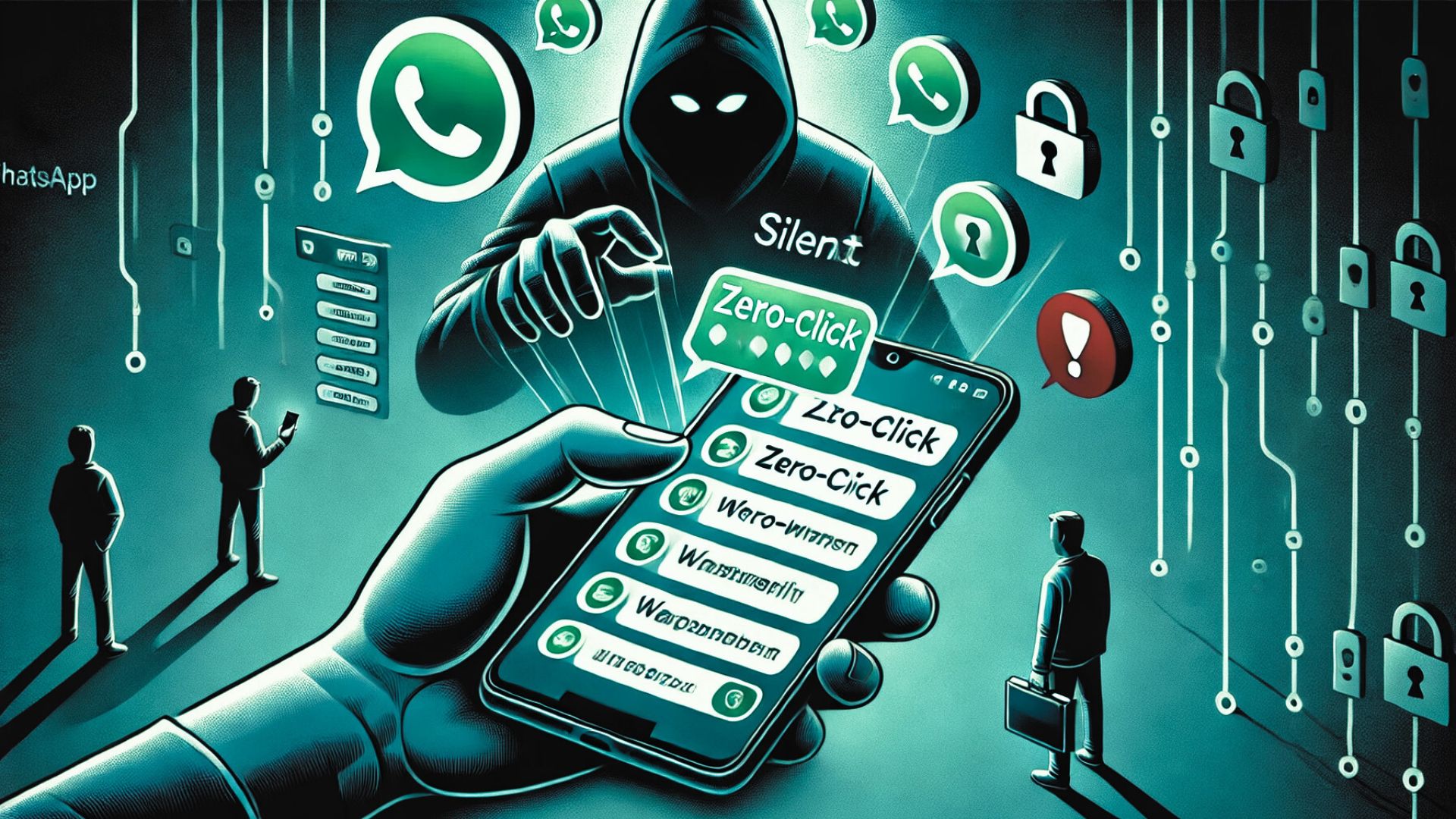
    Cyber threats are evolving rapidly, and Zero-Click Hacks have emerged as one of the most dangerous attack methods, particularly targeting WhatsApp users worldwide. Unlike traditional phishing scams, these attacks require no user interaction—meaning you don’t have to click a link, download a file, or install malware for hackers to gain access. This makes them extremely difficult to detect and prevent.

    Recent reports confirm that nearly 90 WhatsApp users across multiple countries have already been targeted, raising serious concerns about privacy, device security, and the sophistication of cybercriminals.

    What is a Zero-Click Hack?

    Zero-Click Hacks exploit software vulnerabilities in messaging apps, operating systems, and multimedia processing frameworks.

    How Do These Attacks Work?

    • Hackers identify flaws in WhatsApp or other apps that allow them to execute malicious code remotely.
    • A seemingly harmless message, call, or media file is sent to the target.
    • The device processes the message without any user interaction, giving the hacker access to:Private messages and call logsMicrophone and cameraStored passwords and sensitive dataLocation and browsing history
    • Since the victim never clicks on anything, traditional cybersecurity awareness—like avoiding suspicious links—does not prevent these attacks.

    Why is This So Dangerous?

    • These attacks are stealthy and nearly undetectable by conventional security tools.
    • No visible signs—the user does not realize they have been hacked until after damage is done.
    • Hackers can remain hidden inside a device for long periods, collecting sensitive information.

    The WhatsApp Security Breach

    WhatsApp recently revealed that hackers exploited vulnerabilities in the app to infiltrate users’ devices without their knowledge.

    Key Facts About the Breach

    • Attackers used spyware from an Israeli firm, Paragon Solutions, to target journalists, activists, and high-profile individuals.
    • No user interaction was required—victims were compromised the moment they received a malicious WhatsApp message.
    • WhatsApp has since taken legal action against spyware developers and pledged to strengthen its security measures.

    Even though WhatsApp has addressed the issue, zero-click vulnerabilities continue to exist, making it crucial for users to take their own security precautions.

    How to Stay Safe from Zero-Click Attacks

    Zero-click attacks are difficult to detect, but you can minimize risk by taking proactive security measures.

    Update Your Apps and Operating System

    • Always install the latest security patches for WhatsApp, iOS, and Android to prevent hackers from exploiting known vulnerabilities.
    • Enable automatic updates so that critical security fixes are installed as soon as they become available.

    Monitor Device Behavior for Unusual Activity

    • Watch for unexpected battery drain—a common sign of spyware running in the background.
    • Be cautious if your apps crash frequently or if your phone slows down without explanation.
    • Look for strange messages or calls from unknown numbers, as these could be attempts to trigger a vulnerability.

    Restrict App Permissions

    • Limit WhatsApp’s access to your microphone, camera, and storage unless necessary.
    • Regularly review and adjust app permissions to minimize the risk of unauthorized access.

    Use Additional Security Features

    • Enable two-factor authentication (2FA) on WhatsApp for an added layer of security.
    • Consider using encrypted messaging alternatives that offer stronger privacy protection.

    Report Suspicious Activity

    • If you suspect an attack, report it to WhatsApp support and your local cybersecurity authorities.
    • Be cautious of unexpected messages, video calls, or media files from unknown contacts.

    The Fight Against Cyber Threats

    As cybercriminals refine their methods, staying informed and adopting stronger security practices is critical. Zero-click hacks are just one example of how hackers are evolving their tactics to bypass traditional defenses.

    What’s Next in Cybersecurity?

    • Tech companies must continually update and patch vulnerabilities.
    • Users must take proactive steps to secure their accounts and devices.
    • Cybersecurity experts must develop advanced detection and response systems to mitigate threats like zero-click exploits.

    Final Thoughts: Strengthen Your Security with Peris.ai

    Zero-click hacks prove that traditional cybersecurity awareness is no longer enough. Even the most cautious users can fall victim to attacks that require no interaction. Taking proactive steps today can save you from major security risks in the future.

    At Peris.ai, we provide cutting-edge cybersecurity solutions to help individuals and businesses stay ahead of evolving threats.

    Stay protected against the latest cyber threats—visit Peris.ai today.

    #PerisAI #Cybersecurity #ZeroClickHacks #WhatsAppSecurity #YouBuild #WeGuard

  • Understanding ‘Malware Cluster Bombs’: A New Cyber Threat

    Understanding ‘Malware Cluster Bombs’: A New Cyber Threat

    Overview of Malware Cluster Bomb Attacks

    Hackers are now employing a new and concerning method in cyber-attacks by deploying what’s being referred to as “malware cluster bombs.” This technique involves attacking computers with up to ten different malware strains simultaneously, significantly increasing the potential damage and control over the infected systems.

    Malware Cluster Bombs Explained

    Origin of the Attack: Security researchers at KrakenLabs have unearthed this tactic, which they attribute to a hacker group named Unfurling Hemlock. These attacks are particularly alarming due to their complexity and the volume of threats they deliver in a single payload.

    Mechanism of the Attack:

    • Delivery Method: These malware payloads are primarily distributed via malicious emails or malware loaders.
    • Execution Strategy: The malware utilizes an executable named “WEXTRACT.EXE”, which contains nested compressed files. Each layer of compression reveals different malware samples or another compressed file, akin to a Russian nesting doll.
    • Malware Varieties: The attacks have included a range of malware types, from info-stealers and botnets to backdoors. Notable strains observed include the Redline stealer among other prevalent malware.

    How to Protect Against Malware Cluster Bomb Attacks

    Preventative Measures:

    • Email Vigilance: Exercise caution with email attachments and links, especially those from unknown or dubious sources.
    • Safe Browsing Practices: Avoid downloading files from untrusted websites and be wary of executing any files that are downloaded unexpectedly.

    Enhanced Security Practices:

    • Utilization of Antivirus Software: It’s crucial to install and update reputable antivirus software that can detect and block the sophisticated layers of malware delivered by these attacks.
    • System Updates: Keep your operating system and all software up to date to mitigate vulnerabilities that could be exploited by such malware.

    Stepping Up Your Cyber Defense

    Given the evolving nature of cyber threats, understanding and preparing for the latest attack methods is essential. The emergence of malware cluster bombs represents a significant escalation in cyber warfare, capable of delivering multiple threats to a system simultaneously.

    Key Recommendations:

    • Robust Antivirus Protection: Ensuring that your antivirus software is capable and up-to-date is more crucial than ever. Tools like Microsoft’s Windows Defender should be enabled as they provide effective baseline protection.
    • Continuous Education: Stay informed about the latest in cyber threats and the best practices for defending against them. Awareness is your first line of defense.

    Conclusion:

    The introduction of malware cluster bombs is a stark reminder of the sophistication and relentless innovation of cybercriminals. By adopting stringent cybersecurity measures, maintaining vigilance, and regularly updating security protocols, organizations can shield themselves from these and other advanced cyber threats.

    For more detailed insights and continuous updates on cybersecurity, visit our website at peris.ai.

    Stay vigilant, stay secure.

  • Understanding the Ascension Ransomware Incident and Its Lessons

    Understanding the Ascension Ransomware Incident and Its Lessons

    The Incident at a Glance

    In May 2024, Ascension, a major healthcare provider, experienced a significant cybersecurity breach when an employee inadvertently downloaded a malicious file. This seemingly small mistake triggered a ransomware attack that had extensive repercussions across the organization’s operations.

    How the Breach Happened

    • Initial Breach: The employee downloaded what they believed was a legitimate file, which turned out to be ransomware.
    • Systems Impacted: Critical systems such as the MyChart electronic health records, telecommunication systems, and the digital platforms for ordering tests, procedures, and medications were severely affected.

    The Immediate Aftermath

    • Operational Disruption: To contain the attack, Ascension was forced to take numerous systems offline, switching to manual paper records—a significant step back from the digital efficiencies they usually operate with.
    • Service Delays: Non-urgent procedures and appointments were delayed or canceled, and emergency services had to be redirected to prevent critical care delays.

    Extended Impact and Ongoing Recovery

    • Continued Service Disruption: Weeks after the attack, Ascension is still working diligently to restore full functionality to its health records systems, patient communication channels, and clinical ordering systems.
    • Data Compromise: Investigations revealed that threat actors accessed and extracted data from 7 out of approximately 25,000 servers. The compromised data included Protected Health Information (PHI) and Personally Identifiable Information (PII).

    Ransomware Attribution

    • Black Basta Group: The attack has been attributed to the Black Basta ransomware group, known for its disruptive cyber activities targeting various sectors.

    Recommendations for Strengthening Cybersecurity

    • Employee Vigilance: Enhance training programs to help employees identify phishing attempts and malicious files. Promote a security-first culture where verification of file sources is standard practice.
    • Advanced Technical Defenses: Deploy state-of-the-art endpoint protection solutions that preemptively identify and neutralize malicious downloads. Utilize network segmentation to limit the spread of potential breaches.
    • Incident Preparedness: Update and test incident response strategies regularly. Simulate different breach scenarios to ensure all personnel are prepared to act swiftly and effectively.
    • Data Protection Measures: Encrypt sensitive information and maintain regularly updated, secure backups of essential data to mitigate the damage from potential data breaches.

    From Attack to Action

    The Ascension incident is a potent reminder of the vulnerabilities that exist even within sophisticated IT infrastructures. It underscores the necessity of comprehensive security measures and continuous vigilance. Organizations must view cybersecurity as a critical component of their operational integrity, particularly in sectors as sensitive as healthcare.

    For continued guidance on safeguarding your systems and to stay ahead of the latest cybersecurity trends, visit Peris.ai.