Tag: news

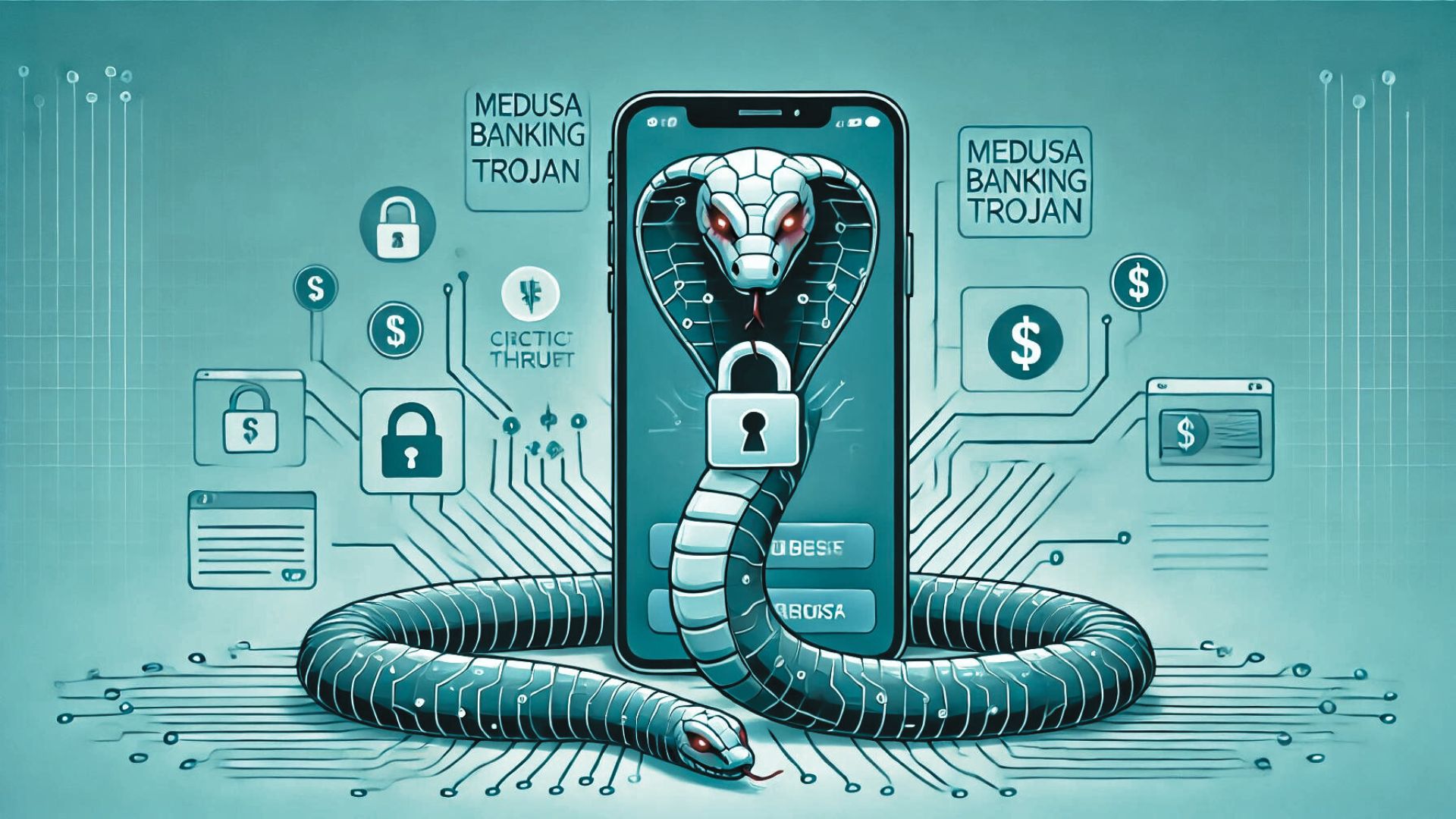
  • Resurgence of the Medusa Banking Trojan: A Renewed Threat to Android Users

    Resurgence of the Medusa Banking Trojan: A Renewed Threat to Android Users

    Overview of Medusa’s Return

    The Medusa banking trojan, known for its disruptive attacks on Android devices, has re-emerged after nearly a year of dormancy. Now rebranded as TangleBot, this Android malware-as-a-service (MaaS) is targeting users across multiple countries with sophisticated new features and operational tactics.

    Detailed Examination of Medusa’s Evolution

    Medusa Malware Resurgence:

    • Origin: Initially discovered in 2020, Medusa has evolved into a more sophisticated threat.
    • Capabilities: Includes keylogging, controlling screens, and manipulating SMS.
    • Recent Activity: Identified in ongoing campaigns since May 2023, showcasing its persistent threat.

    Targeted Regions:

    • Countries Affected: France, Italy, the United States, Canada, Spain, the United Kingdom, and Turkey are currently in the crosshairs of these renewed attacks.

    Enhancements in Medusa’s Arsenal:

    • Reduced Permissions: The new variants are designed to require fewer permissions, making them less noticeable but equally potent.
    • Advanced Features: Capabilities such as full-screen overlays, screenshot capturing, and unauthorized SMS sending enhance its intrusiveness.
    • Operational Shifts: The use of centralized infrastructure to fetch command and control (C2) URLs from social media and the strategic reduction of its footprint on devices underscore a tactical evolution.

    Campaign and Malware Details

    Recent Campaign Insights:

    • Timeline: Notable activity has been tracked back to July 2023, indicating a well-planned resurgence.
    • Smishing Tactics: Predominantly spread through SMS phishing, enticing users to install malware-laden dropper apps.
    • Botnets and Fake Apps: Attributed to five botnets (UNKN, AFETZEDE, ANAKONDA, PEMBE, and TONY), using deceptive apps mimicking legitimate services like Chrome browser and 5G connectivity.

    Notable Malware Functions:

    • Removed Commands: Streamlining by removing 17 older commands.
    • New Commands:
      • 'destroyo': Targets and uninstalls specific applications.
      • 'permdrawover': Manipulates system permissions.
      • 'setoverlay': Deploys a black screen overlay to conceal malicious activities.
      • 'take_scr': Captures screenshots.
      • 'update_sec': Manages security settings.

    Staying Protected: Tips and Strategies

    Vigilance with Links and Downloads:

    • Avoid unfamiliar links and unsolicited downloads to protect against malware infiltration.

    Robust Security Practices:

    • Two-Factor Authentication (2FA): Enhance account security to mitigate unauthorized access risks.
    • Regular Updates: Keep your device and applications fortified with the latest security patches.

    Proactive Security Measures:

    • Antivirus Software: Employ reputable antivirus solutions tailored for Android devices.
    • Permission Awareness: Scrutinize app permissions, especially those requesting Accessibility Services, to prevent undue access.

    Conclusion: Medusa’s Persistent Threat

    The revival of Medusa as TangleBot with enhanced malicious capabilities is a stark reminder of the evolving landscape of cyber threats. By understanding the specifics of these threats and adopting comprehensive cybersecurity measures, users can safeguard their digital lives against such sophisticated malware.

    Stay Proactive in Your Cybersecurity Efforts

    For ongoing updates and more detailed cybersecurity insights, ensure to visit our website at peris.ai.

    Stay vigilant, stay secure.

    Your Peris.ai Cybersecurity Team#YouBuild #WeGuard
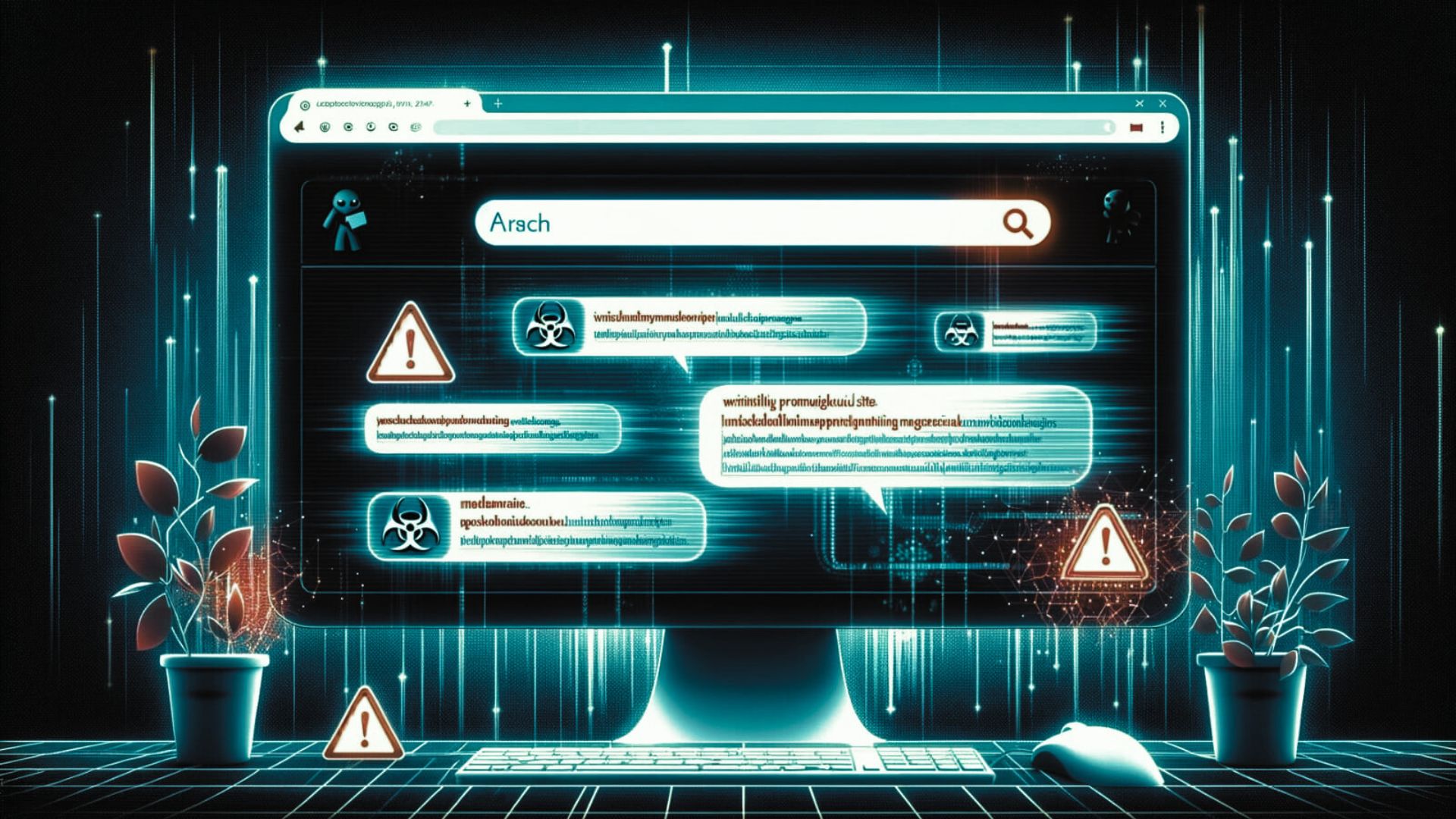
  • Google’s New AI Search Feature Unwittingly Promotes Malicious Sites

    Google’s New AI Search Feature Unwittingly Promotes Malicious Sites

    Google’s latest innovation in search technology, the Search Generative Experience (SGE), has introduced AI-generated quick summaries and site recommendations to streamline user queries. However, recent observations by SEO consultant Lily Ray, backed by findings from BleepingComputer, have raised serious concerns. The SGE is inadvertently promoting websites involved in malware distribution and various online scams, including fake giveaways and tech support fraud.

    The Unintended Consequences of AI-Enhanced Search Results

    Earlier this month, Google began integrating SGE into its search mechanisms, aiming to enhance the user experience by providing concise AI-driven responses to queries. However, it soon became apparent that this feature might be suggesting sites that lead users into traps set by cybercriminals. The domains often share similarities such as the .online TLD, identical HTML templates, and a pattern of redirects, indicating their role in a coordinated SEO poisoning campaign designed to manipulate search engine results.

    How Scammers Exploit SGE Recommendations

    When users follow links recommended by SGE, they are often taken through a series of redirects, ending up on sites that deploy aggressive tactics such as fake captchas or misleading YouTube pages. These sites typically coax users into enabling browser notifications, which then serve as a conduit for delivering incessant spam directly to their desktops.

    The Dangers of Browser Notification Spam

    Once enabled, these notifications bombard users with misleading ads promoting tech support scams, counterfeit giveaways, and other dubious content. For instance, alerts claiming to be from McAfee may warn users of non-existent viruses, urging them to download software that is actually just a ploy to generate affiliate revenue for the fraudsters.

    Complex Web of Deception and Financial Motives

    Some of the scams further exploit user trust by promising high-value items like an Apple iPhone 15 Pro through fake Amazon loyalty programs. These schemes are particularly insidious as they harvest personal information for sale to other scammers or direct marketers, amplifying the victim’s risk exposure.

    SGE’s Challenges and Google’s Response

    Google has acknowledged the issue, noting that while they continuously enhance their spam-fighting capabilities, spammers are also evolving their strategies. This ongoing “cat and mouse” game makes it difficult to completely safeguard SGE from being manipulated. Despite this, Google has taken steps to remove known malicious entries and continues to refine its systems to better detect and exclude harmful content.

    Protecting Yourself from Malicious Search Results

    As users navigate this new AI-enhanced search landscape, vigilance is essential. Users should be wary of unsolicited browser notifications and suspicious links, even if they appear in Google’s search results. Here’s how you can manage unwanted notifications in Google Chrome:

    1. Open Chrome and go to Settings > Content > Notifications.
    2. Under “Allowed to send notifications,” review the list of sites.
    3. Click the three dots next to any suspicious URLs and select ‘Remove’ to stop the notifications.

    In light of these developments, Peris.ai Cybersecurity encourages users to exercise increased caution and to critically evaluate the credibility of websites and the legitimacy of online offers. As AI continues to reshape how we interact with digital content, staying informed about potential security threats and understanding how to mitigate them is crucial. By doing so, users can safeguard their digital experience against the evolving tactics of cybercriminals.

  • Rising Phishing Threats Challenge Gmail and Microsoft Email Users Despite 2FA Protections

    Rising Phishing Threats Challenge Gmail and Microsoft Email Users Despite 2FA Protections

    In a concerning development for digital security, a sophisticated phishing kit, known as Tycoon 2FA, is making waves in the cybercrime underworld for its ability to circumvent the protective measures of two-factor authentication (2FA). The security community, led by insights from cybersecurity specialists at Sekoia, has raised alarms over this Phishing-as-a-Service (PhaaS) platform’s recent advancements.

    Tycoon 2FA: A Growing Concern for Email Security

    Initially detected in the latter half of 2023, Tycoon 2FA has undergone significant enhancements entering 2024. The toolkit now encompasses over 1,100 domains and has been implicated in numerous phishing campaigns targeting users of prominent email services like Gmail and Microsoft. This escalation in activity underscores the evolving threat landscape and the increasing sophistication of cybercriminal techniques.

    The Financial Footprint and Sophistication of Tycoon 2FA

    A closer look at the financial transactions associated with Tycoon 2FA reveals a disturbing trend. Since its inception in August of the previous year, the Bitcoin wallet connected to the phishing service has processed over 500 transactions. These transactions, typically amounting to about $120 for a 10-day phishing campaign access, highlight the commercial viability of phishing kits in the cybercriminal ecosystem. By March, the revenue generated from these activities had soared to nearly $400,000 in cryptocurrency.

    Bypassing Two-Factor Authentication

    The recent upgrades to Tycoon 2FA present significant challenges to cybersecurity efforts. Notably, the kit has been engineered to evade detection by security analysts through intricate modifications to its codebase and operational tactics. Enhanced script obfuscation, refined resource loading sequences, and advanced traffic filtering mechanisms make analysis and identification more arduous.

    More alarmingly, Tycoon 2FA now boasts the capability to sidestep 2FA measures effectively. Leveraging a reverse proxy server to host phishing sites, the attackers can intercept and capture critical authentication data, including session cookies and 2FA codes, from unsuspecting victims. This interception occurs seamlessly as users navigate the authentication process, undermining the security assurances of multi-factor authentication.

    Redefining the Security Paradigm Against Sophisticated Phishing Attacks

    The emergence of phishing kits like Tycoon 2FA that can bypass additional authentication layers signifies a pivotal moment in cyber defense. The assumption that multi-factor authentication provides an impenetrable security layer is being challenged, necessitating a reevaluation of defense strategies.

    Peris.ai Cybersecurity emphasizes the importance of continuous vigilance and the adoption of advanced security solutions capable of counteracting the evolving threats posed by sophisticated phishing operations. As the cybercriminal arsenal becomes more refined, so too must the cybersecurity measures deployed by individuals and organizations to protect sensitive information and maintain the integrity of digital infrastructures.

    This situation underscores the urgent need for a concerted effort to enhance cybersecurity awareness and implement more robust protective mechanisms that can adapt to the complexities of modern phishing tactics.

    via BleepingComputer

  • Hackers Are Leveraging AI-Generated Code for Malware Attacks

    Hackers Are Leveraging AI-Generated Code for Malware Attacks

    As artificial intelligence (AI) reshapes industry landscapes, it’s also being manipulated by cybercriminals to enhance their malicious activities. Hackers are increasingly turning to AI to generate sophisticated malware code, significantly lowering the barrier to entry for executing complex cyberattacks. Here’s an in-depth look at how AI is facilitating a new wave of cybersecurity threats.

    AI in Malware Development: Understanding the Emerging Threat

    AI-Generated Malware: Recent developments have seen an uptick in malware created with AI, which allows even novice hackers to execute advanced attacks. This technology enables the rapid creation of new malware variants, complicating the efforts of cybersecurity professionals to defend against them.

    Widening the Hacker Pool: By automating parts of the malware creation process, AI tools are democratizing the abilities once reserved for highly skilled programmers. This results in an increased volume of malware attacks, as individuals with minimal coding expertise can now launch significant cyber threats.

    Common Attack Vectors: Utilizing familiar programming languages like HTML, VBScript, and JavaScript, these AI-driven malware attacks are not only simple to deploy but also exceedingly difficult to detect and mitigate.

    Deceptive Delivery Methods: Often disguised within seemingly innocuous downloadable files, such as ZIP archives, AI-generated malware can evade detection by unsuspecting users and some traditional antivirus programs.

    Concerns for the Future of Cybersecurity

    Proliferation of Malware: The ease of creating malware with AI tools may lead to a surge in cyberattacks, particularly those targeting everyday web users with less-targeted, more disruptive methods.

    Enhanced Capabilities for Seasoned Hackers: For sophisticated cybercriminals, AI can streamline the development of malware campaigns, making these operations more efficient and increasing the frequency of attacks.

    Evolving Risks: As AI-generated malware becomes more common, the potential for these programs to evade traditional security measures grows, necessitating newer, more advanced defensive strategies.

    Strategies to Fortify Your Defenses Against AI-Driven Threats

    Enhance Vigilance: Exercise caution when downloading files, especially from unfamiliar sources. Be particularly wary of ZIP files, which could be masking AI-generated malware.

    Update and Strengthen Antivirus Solutions: Ensure your antivirus software is equipped to identify and combat the latest malware threats, including those spawned by AI technologies.

    Conduct Regular System Scans: Frequent scans can help detect and isolate suspicious files or activities, potentially identifying threats before they cause damage.

    Scrutinize Communications: Approach email attachments and links with skepticism, even if they appear to originate from trusted sources.

    Stay Ahead of Trends: Keeping abreast of new developments in cybersecurity can help you anticipate and prepare for emerging threats powered by artificial intelligence.

    Navigating the AI-Generated Malware Threat

    The advent of AI-generated malware represents a significant shift in the cybersecurity landscape. As this technology continues to evolve, so too does the nature of the threats we face. It’s crucial for users and organizations alike to adopt comprehensive security measures, remain vigilant, and continuously update their defensive strategies to protect against these sophisticated cyber threats.

    For further insights and continuous updates on navigating the complex world of cybersecurity, please visit our website at Peris.ai.

  • Rising Threats: The NachoVPN Vulnerability in Popular VPN Clients

    Rising Threats: The NachoVPN Vulnerability in Popular VPN Clients

    In the digital realm where VPNs are pivotal for safeguarding online privacy, recent research has unmasked a severe vulnerability known as NachoVPN. This flaw is currently being exploited to compromise well-known VPN clients like SonicWall NetExtender and Palo Alto Networks GlobalProtect, leading to unauthorized access and data theft.

    Understanding NachoVPN

    NachoVPN is a critical vulnerability found in popular VPN software that attackers are exploiting to infiltrate user systems and steal sensitive information.

    Exploitation Techniques

    Phishing and Social Engineering:

    • Attackers deceive users into connecting to rogue VPN servers via phishing or manipulated documents.
    • Once connected, these malicious servers mimic legitimate ones, allowing attackers to hijack the session.

    Malicious Activities Include:

    • Credential Theft: Hackers steal user login credentials.
    • Malware Deployment: They install harmful software to compromise systems further.
    • Unauthorized Control: Attackers gain the ability to execute arbitrary code on the user’s device.

    Highlighted Vulnerabilities

    • SonicWall NetExtender (CVE-2024-29014): Patched in July 2024. Users should update to version 10.2.341 to secure their systems.
    • Palo Alto Networks GlobalProtect (CVE-2024-5921): Addressed in November 2024 with the release of version 6.2.6, which includes enhanced protections in FIPS-CC mode.

    How to Enhance Your Protection

    • Regular Software Updates: Continuously update your VPN client software to the latest version to mitigate vulnerabilities.
    • Enable Strong Authentication: Implement multi-factor authentication (MFA) to strengthen access security.
    • Vigilance Against Phishing: Always scrutinize emails and attachments, even those that appear to come from trusted sources, to avoid phishing traps.
    • Collaborative Security Enhancements: Utilize tools like NachoVPN, an open-source solution, to detect and address security weaknesses in VPN configurations.

    Is Your Data at Risk?

    The discovery of the NachoVPN vulnerability underscores the complexity of cyber threats and the critical need for proactive cybersecurity practices. Organizations and individuals must remain vigilant, updating their software regularly and staying educated on the latest cyber threat tactics.

    For ongoing insights and advanced cybersecurity solutions that keep pace with evolving threats, visit Peris.ai.

    Your Peris.ai Cybersecurity Team #YouBuild #WeGuard

  • Advanced LightSpy iOS Spyware Resurfaces Targeting South Asian iPhone Users

    Advanced LightSpy iOS Spyware Resurfaces Targeting South Asian iPhone Users

    Recent investigations by cybersecurity researchers have unveiled a revitalized espionage campaign leveraging the LightSpy iOS spyware against users in South Asia. Notably advanced, this spyware, also known as ‘F_Warehouse,’ is designed to infiltrate iPhones with an array of spying functionalities. This campaign, extensively detailed in a report by the BlackBerry Threat Research and Intelligence Team, represents a significant threat, particularly to users in India, as indicated by VirusTotal submissions.

    Origins and Evolution of LightSpy

    Initially identified in 2020 by Trend Micro and Kaspersky, LightSpy is known for its sophisticated backdoor capabilities on iOS devices, usually spread through compromised news websites in watering hole attacks. The latest findings highlight the spyware’s modular architecture which enables the extraction of sensitive data such as contacts, SMS messages, location details, and even VoIP call recordings.

    Linkages and Expanded Threat Capabilities

    An October 2023 analysis by ThreatFabric revealed that LightSpy shares infrastructure and functionality with DragonEgg, an Android spyware attributed to the Chinese nation-state group APT41, also known as Winnti. The intricate nature of LightSpy allows it not only to gather traditional data but also to access files and data from popular applications like Telegram, QQ, and WeChat, alongside iCloud Keychain data and browsing history from Safari and Google Chrome.

    Sophisticated Espionage Framework

    The spyware’s latest iteration includes new features for extensive data exfiltration. It can now list connected Wi-Fi networks, identify installed apps, take pictures using the device’s camera, record audio, and execute shell commands remotely. This comprehensive suite of capabilities suggests potential full device control by the attackers.

    Stealth and Communication Security

    One of LightSpy’s notable defenses against detection is its use of certificate pinning, which shields its communication with the command-and-control (C2) server from interception, particularly on monitored networks. Moreover, interactions with the C2 server, found at an IP address hosting an admin panel displaying errors in Chinese, suggest involvement of native Chinese speakers and hints at state-sponsored motivations behind the malware’s deployment.

    Global Implications and User Alerts

    The resurgence of LightSpy and its evolution into the ‘F_Warehouse’ framework signifies a significant escalation in mobile espionage threats, according to BlackBerry. The enhanced abilities of this malware present a formidable risk to individuals and organizations across Southern Asia. In response, Apple has issued threat notifications to users in 92 countries, including India, warning them of potential targeting by this and other sophisticated spyware threats.

    Concluding Security Recommendations

    As cyber threats like LightSpy become more sophisticated, it’s crucial for users and organizations to adopt stringent cybersecurity measures. Regular updates, cautious interaction with unknown websites and links, and awareness of the latest security threats are paramount in safeguarding sensitive personal and organizational data.

  • Hackers Now Possess 10 Billion Compromised Passwords

    Hackers Now Possess 10 Billion Compromised Passwords

    In an unsettling revelation for digital security, researchers have recently discovered that hackers now possess an astonishing collection of nearly 10 billion unique passwords. This massive breach underscores the growing challenges and risks in today’s cybersecurity landscape. Here’s an in-depth look at the implications of this development and the critical measures you can take to safeguard your information.

    Unveiling the Depth of the Data Breach

    Discovery of rockyou2024.txt: Cybersecurity researchers stumbled upon a staggering repository named rockyou2024.txt, which contains almost 10 billion unique passwords. These passwords, gathered over the last two decades from various data breaches and cybersecurity incidents, highlight the extensive nature of digital vulnerabilities. In just the past two years, this file has been enriched with an additional 1.5 billion passwords, reflecting the accelerating pace of data compromise.

    Understanding the Risks

    Why Is This Significant? The vast accumulation of compromised passwords poses several serious threats:

    • Brute Force Attacks: With access to billions of passwords, hackers can automate attempts to breach accounts, testing thousands of passwords per second.
    • Credential Stuffing: The common habit of reusing passwords across multiple accounts can turn a single compromised password into a master key, allowing attackers to unlock multiple accounts belonging to the same user.

    Proactive Measures to Enhance Your Cybersecurity

    Steps to Safeguard Your Digital Identity:

    1. Check for Leaked Passwords: Regularly use services that check if your credentials have been compromised. Change any exposed passwords without delay.
    2. Strong, Unique Passwords: Make sure that each of your accounts is secured with a robust and unique password. This simple step can significantly hinder cross-account attacks from credential stuffing.
    3. Two-Factor Authentication (2FA): Implementing 2FA adds an essential layer of security, ensuring that possessing a password alone is not enough to breach your account.
    4. Adopt Passkeys When Available: Modern security standards are moving towards passkeys which, unlike traditional passwords, cannot be leaked since they are not stored or transferred in a way that is accessible to hackers.
    5. Password Managers: Utilizing a password manager not only helps in generating and storing complex passwords but also in monitoring and alerting you about any potential leaks of your passwords.

    Conclusion: A Call for Enhanced Vigilance

    The discovery of the rockyou2024.txt file is a stark reminder of the persistent threats in the digital world. It is more crucial than ever to stay ahead of these threats by adopting advanced and proactive cybersecurity measures. By integrating robust security practices, you can protect your sensitive information and maintain control over your digital identity.

    For continuous updates and in-depth insights into safeguarding your digital presence, make sure to visit Peris.ai.

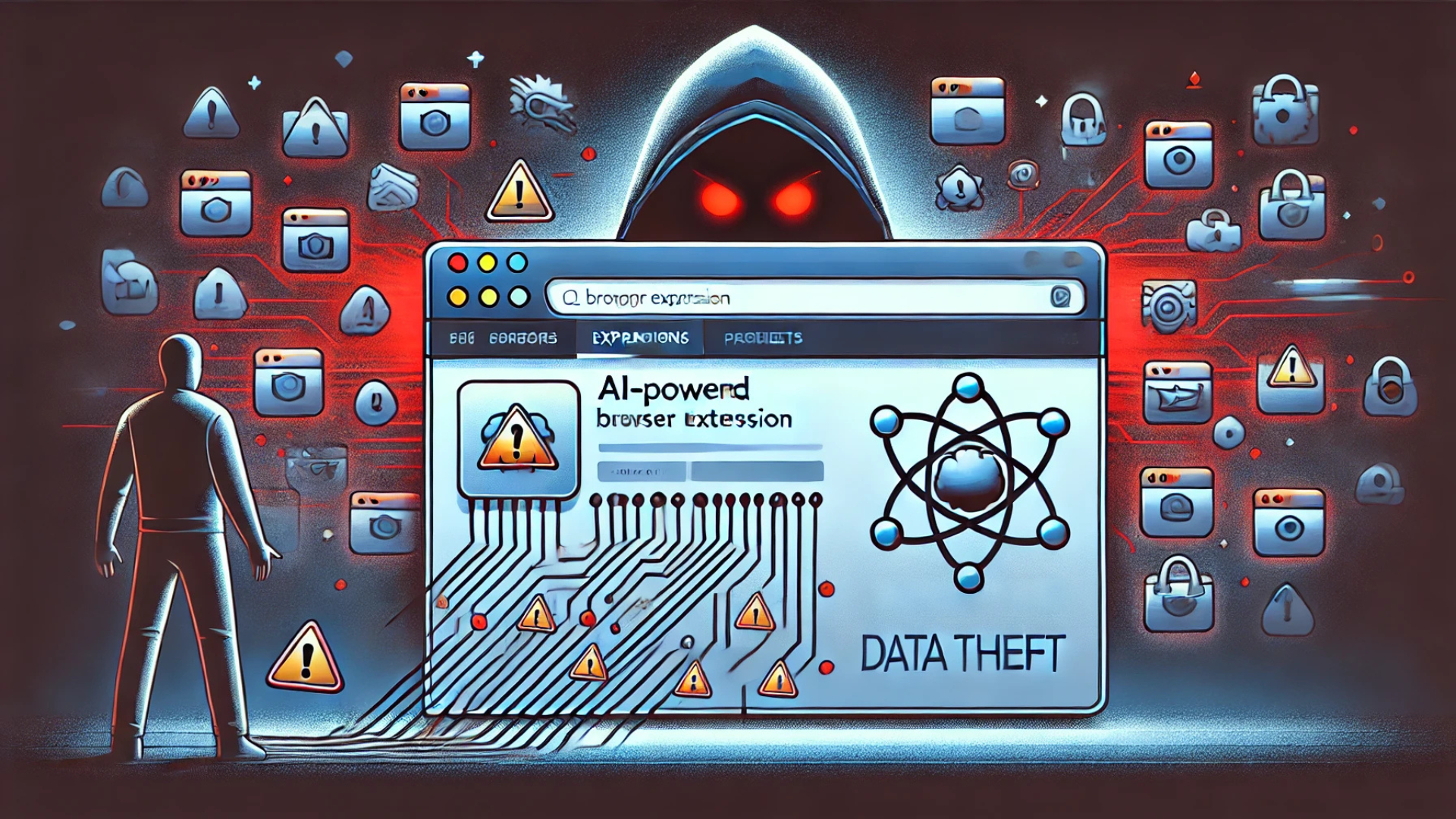
  • AI-Powered Chrome Extensions Hijacked for Data Theft—Are You at Risk?

    AI-Powered Chrome Extensions Hijacked for Data Theft—Are You at Risk?

    In the rapidly evolving digital age, AI-driven browser extensions are indispensable tools for small businesses, enhancing productivity and simplifying daily tasks. However, a recent cybercriminal campaign has put millions of users at risk by compromising at least 36 Google Chrome extensions that mimic popular AI and VPN services. This breach primarily affects small businesses and digital marketers, exposing them to severe data theft.

    The Rising Threat: Compromise of AI and VPN Chrome Extensions

    What You Need to Know:

    • Cybercriminals have hijacked 36 Chrome extensions, impacting over 2.6 million users.
    • These extensions, disguised as popular AI and VPN tools, were manipulated to deliver malware through seemingly legitimate updates.
    • The compromised extensions include names like “Bard AI Chat,” “ChatGPT for Google Meet,” and several VPN-related tools not affiliated with official providers like OpenAI or Google.

    Immediate Action Required: For a comprehensive list of affected extensions and detailed guidance, refer to the official security report linked at the end of this newsletter.

    How the Compromised Extensions Can Affect Your Business

    Malware Disguised as Updates:

    • Attackers distribute fake updates that, once installed, inject malicious code into the browser, enabling them to steal sensitive data.

    Data Targeted by Cybercriminals:

    • The focus is on Facebook Ads accounts from which attackers can extract login credentials, payment information, and critical business advertising data.

    Ongoing Risks:

    • Although many malicious extensions have been removed from the Chrome Web Store, some remain active and continue to pose a threat to users.

    Steps to Protect Your Business from Compromised Extensions

    1. Uninstall Suspicious Extensions: Immediately remove any questionable AI or VPN Chrome extensions not directly sourced from trusted developers like Google or OpenAI. Regularly review and adjust extension permissions to minimize potential exposure.
    2. Use Verified First-Party Extensions Only: To ensure security, utilize official extensions provided by recognized entities and avoid third-party tools that offer duplicated functionalities.
    3. Educate Your Team on Browser Security: Inform your staff about the risks associated with unauthorized extensions and enforce a browser security policy that limits the use of unverified extensions.
    4. Deploy Advanced Security Solutions: Implement comprehensive endpoint security software to detect and prevent malware infections. Ensure continuous protection against various cyber threats including spyware, ransomware, and phishing attacks.
    5. Regular Monitoring and Auditing: Conduct frequent security audits on browser extensions and enforce multi-factor authentication (MFA) to safeguard business accounts from unauthorized access.

    Key Takeaways for Safeguarding AI-Enhanced Workflows

    • The hijacking of 36 AI and VPN Chrome extensions highlights a significant cybersecurity threat, requiring immediate removal to protect your data.
    • Small businesses and marketers managing Facebook Ads accounts are at heightened risk and must prioritize security.
    • Adopt stringent security measures, restrict the use of browser extensions, and rely only on verified tools from reputable developers.
    • Ensure your cybersecurity defenses are robust, with up-to-date endpoint security solutions providing comprehensive protection.

    Stay Secure with Peris.ai

    With AI-driven cybersecurity threats becoming more sophisticated, it is critical for businesses to proactively secure their digital environments. Peris.ai is dedicated to equipping businesses with state-of-the-art cybersecurity solutions to combat and prevent emerging cyber threats.

    For more insights on how to protect your business and to explore advanced cybersecurity solutions, visit Peris.ai.

    Your Peris.ai Cybersecurity Team #YouBuild #WeGuard

  • Illegal Downloads: A Gateway to Malware and Cyber Threats

    Illegal Downloads: A Gateway to Malware and Cyber Threats

    Accessing movies from illegal download sites might seem like a harmless shortcut to entertainment, but it exposes users to significant cybersecurity dangers, including sophisticated malware attacks. A notable example is the recently discovered Peaklight malware, which specifically targets users frequenting these illicit sites.

    What is Peaklight?

    Memory-based Malware: Peaklight is particularly nefarious because it operates directly within the RAM of your computer, eluding many traditional antivirus programs that scan hard drives for threats.

    Infection Mechanism: The malware deploys via PowerShell scripts embedded within pirated movie downloads. Once activated, it can install additional harmful programs like Lumma Stealer and Hijack Loader, compromising personal data or granting cybercriminals remote access to the affected computer.

    How Does Peaklight Infect Your Computer?

    The infection process is alarmingly straightforward:

    1. Download Deception: Users download a ZIP folder containing what appears to be a movie file but is actually a Windows shortcut (LNK) file.
    2. Execution of Malware: Opening the LNK file triggers embedded JavaScript code, which runs secretly in the computer’s memory to launch the malicious Peaklight PowerShell script.
    3. Further Infection: Peaklight then establishes a connection to a remote server from which it downloads more malware, escalating the potential damage by stealing sensitive information or further compromising the system.

    Six Essential Practices to Safeguard Against Malware

    To protect yourself from Peaklight and other malware threats, follow these cybersecurity best practices:

    1. Avoid Pirated Content: Always use legitimate platforms for your digital content needs. Illegal download sites are hotbeds for malware disguised as legitimate files.
    2. Regular Software Updates: Ensure your operating system and all applications are up to date. Regular updates include critical security patches that protect against vulnerabilities exploited by malware like Peaklight.
    3. Robust Antivirus Protection: Utilize comprehensive antivirus software that includes real-time scanning capabilities, especially focusing on RAM. It should be capable of detecting and responding to unusual behaviors that indicate hidden malware.
    4. Vigilance with Links and Files: Exercise caution when dealing with links or files from unknown sources. Verify the authenticity of any download, especially those contained within ZIP or other compressed files.
    5. Strong Passwords and Two-Factor Authentication: Secure your online accounts with robust, unique passwords and enable two-factor authentication to add an extra layer of security.
    6. Scrutiny of Compressed Files: Since malware often hides in compressed files like ZIP or RAR, always scan these with your antivirus software before opening them.

    Cyber Risks Associated with Illegal Downloads

    The allure of free access to movies can be tempting, but the risks of encountering malware like Peaklight are high. This malware exemplifies the severe threats associated with illegal downloads, highlighting the importance of adhering to legal and secure sources for digital content.

    For the latest updates on cybersecurity threats and professional advice on safeguarding your digital presence, visit our website at Peris.ai. Remember, staying vigilant and proactive is key to protecting yourself online.

    Stay vigilant, stay protected.

    Your Peris.ai Cybersecurity Team #YouBuild #WeGuard

  • Stay Cautious: Encrypted PDFs are The Newest Method for Delivering Malware to Your Device

    Stay Cautious: Encrypted PDFs are The Newest Method for Delivering Malware to Your Device

    In the dynamic world of cyber threats, a new alarming trend has emerged, perpetrated by Russian-backed hackers utilizing malware cloaked as PDF encryption tools. This sophisticated tactic, aimed at compromising user information, involves sending victims encrypted PDFs under the guise of legitimacy. The unsuspecting recipients, upon expressing their inability to open the PDF, are then lured into downloading a malicious “encryption tool.” However, this tool is, in reality, a vehicle for malware delivery.

    Coldriver’s Shift Towards Malware Exploits

    The Threat Analysis Group (TAG), a dedicated team within Google specializing in the identification and neutralization of diverse security threats, highlights this tactic as a pivot towards malware-based attacks by Coldriver, a group traditionally known for its phishing exploits. The simplicity of the attack belies its effectiveness: a bait encrypted PDF followed by the provision of a malware-infused “encryption tool” that masquerades as a legitimate application, only to install backdoor malware named Spica on the victim’s device.

    Understanding Spica’s Impact

    Spica’s primary function is the theft of cookies from popular web browsers such as Google Chrome, Firefox, Edge, and Opera, thereby accessing the victim’s sensitive information. Google’s reports indicate that Spica has been active since September 2023, with Coldriver’s malicious activities traceable back to 2022.

    Proactive Defense Measures

    Google has responded to these threats by incorporating all known malicious domains, websites, and files related to these attacks into its Safe Browsing service, simultaneously alerting users who were potential targets. Nevertheless, individual vigilance and proactive measures remain paramount in safeguarding against such insidious threats. Essential steps include:

    1. Avoiding Unlicensed Software: The allure of bootleg software can be compelling, but the risks it poses to device security are significant. It is crucial to download software only from reputable sources, ensuring that any download links are verified and originate from trusted app stores.
    2. Exercising Caution with Links and Files: Suspicious, misspelled, or unfamiliar links should be approached with caution. Opt for accessing websites directly through manual input or trusted search engines, avoiding sponsored search results that may not always be secure.
    3. Regular Software Updates: Keeping your device’s software up to date is a critical security measure. Regular updates provide the latest security patches and enhancements, shielding your device from vulnerabilities that could be exploited by cybercriminals.
    4. Implementing Antivirus Protection: Antivirus software plays a crucial role in detecting and preventing malware infections, phishing emails, and ransomware scams. Ensuring comprehensive antivirus protection across all devices is a fundamental component of a robust cybersecurity strategy.

    Forward-Looking Cybersecurity Practices

    As the landscape of cyber threats continues to evolve, staying informed and adopting proactive security measures is essential. The emergence of malware disguised as encrypted PDFs underscores the need for heightened vigilance and the implementation of effective cybersecurity practices. By adhering to recommended precautions and leveraging advanced security solutions, individuals and organizations can fortify their defenses against the sophisticated tactics employed by cyber adversaries.