Tag: news

  • Illegal Downloads: A Gateway to Malware and Cyber Threats

    Illegal Downloads: A Gateway to Malware and Cyber Threats

    Accessing movies from illegal download sites might seem like a harmless shortcut to entertainment, but it exposes users to significant cybersecurity dangers, including sophisticated malware attacks. A notable example is the recently discovered Peaklight malware, which specifically targets users frequenting these illicit sites.

    What is Peaklight?

    Memory-based Malware: Peaklight is particularly nefarious because it operates directly within the RAM of your computer, eluding many traditional antivirus programs that scan hard drives for threats.

    Infection Mechanism: The malware deploys via PowerShell scripts embedded within pirated movie downloads. Once activated, it can install additional harmful programs like Lumma Stealer and Hijack Loader, compromising personal data or granting cybercriminals remote access to the affected computer.

    How Does Peaklight Infect Your Computer?

    The infection process is alarmingly straightforward:

    1. Download Deception: Users download a ZIP folder containing what appears to be a movie file but is actually a Windows shortcut (LNK) file.
    2. Execution of Malware: Opening the LNK file triggers embedded JavaScript code, which runs secretly in the computer’s memory to launch the malicious Peaklight PowerShell script.
    3. Further Infection: Peaklight then establishes a connection to a remote server from which it downloads more malware, escalating the potential damage by stealing sensitive information or further compromising the system.

    Six Essential Practices to Safeguard Against Malware

    To protect yourself from Peaklight and other malware threats, follow these cybersecurity best practices:

    1. Avoid Pirated Content: Always use legitimate platforms for your digital content needs. Illegal download sites are hotbeds for malware disguised as legitimate files.
    2. Regular Software Updates: Ensure your operating system and all applications are up to date. Regular updates include critical security patches that protect against vulnerabilities exploited by malware like Peaklight.
    3. Robust Antivirus Protection: Utilize comprehensive antivirus software that includes real-time scanning capabilities, especially focusing on RAM. It should be capable of detecting and responding to unusual behaviors that indicate hidden malware.
    4. Vigilance with Links and Files: Exercise caution when dealing with links or files from unknown sources. Verify the authenticity of any download, especially those contained within ZIP or other compressed files.
    5. Strong Passwords and Two-Factor Authentication: Secure your online accounts with robust, unique passwords and enable two-factor authentication to add an extra layer of security.
    6. Scrutiny of Compressed Files: Since malware often hides in compressed files like ZIP or RAR, always scan these with your antivirus software before opening them.

    Cyber Risks Associated with Illegal Downloads

    The allure of free access to movies can be tempting, but the risks of encountering malware like Peaklight are high. This malware exemplifies the severe threats associated with illegal downloads, highlighting the importance of adhering to legal and secure sources for digital content.

    For the latest updates on cybersecurity threats and professional advice on safeguarding your digital presence, visit our website at Peris.ai. Remember, staying vigilant and proactive is key to protecting yourself online.

    Stay vigilant, stay protected.

    Your Peris.ai Cybersecurity Team #YouBuild #WeGuard
  • Stay Cautious: Encrypted PDFs are The Newest Method for Delivering Malware to Your Device

    Stay Cautious: Encrypted PDFs are The Newest Method for Delivering Malware to Your Device

    In the dynamic world of cyber threats, a new alarming trend has emerged, perpetrated by Russian-backed hackers utilizing malware cloaked as PDF encryption tools. This sophisticated tactic, aimed at compromising user information, involves sending victims encrypted PDFs under the guise of legitimacy. The unsuspecting recipients, upon expressing their inability to open the PDF, are then lured into downloading a malicious “encryption tool.” However, this tool is, in reality, a vehicle for malware delivery.

    Coldriver’s Shift Towards Malware Exploits

    The Threat Analysis Group (TAG), a dedicated team within Google specializing in the identification and neutralization of diverse security threats, highlights this tactic as a pivot towards malware-based attacks by Coldriver, a group traditionally known for its phishing exploits. The simplicity of the attack belies its effectiveness: a bait encrypted PDF followed by the provision of a malware-infused “encryption tool” that masquerades as a legitimate application, only to install backdoor malware named Spica on the victim’s device.

    Understanding Spica’s Impact

    Spica’s primary function is the theft of cookies from popular web browsers such as Google Chrome, Firefox, Edge, and Opera, thereby accessing the victim’s sensitive information. Google’s reports indicate that Spica has been active since September 2023, with Coldriver’s malicious activities traceable back to 2022.

    Proactive Defense Measures

    Google has responded to these threats by incorporating all known malicious domains, websites, and files related to these attacks into its Safe Browsing service, simultaneously alerting users who were potential targets. Nevertheless, individual vigilance and proactive measures remain paramount in safeguarding against such insidious threats. Essential steps include:

    1. Avoiding Unlicensed Software: The allure of bootleg software can be compelling, but the risks it poses to device security are significant. It is crucial to download software only from reputable sources, ensuring that any download links are verified and originate from trusted app stores.
    2. Exercising Caution with Links and Files: Suspicious, misspelled, or unfamiliar links should be approached with caution. Opt for accessing websites directly through manual input or trusted search engines, avoiding sponsored search results that may not always be secure.
    3. Regular Software Updates: Keeping your device’s software up to date is a critical security measure. Regular updates provide the latest security patches and enhancements, shielding your device from vulnerabilities that could be exploited by cybercriminals.
    4. Implementing Antivirus Protection: Antivirus software plays a crucial role in detecting and preventing malware infections, phishing emails, and ransomware scams. Ensuring comprehensive antivirus protection across all devices is a fundamental component of a robust cybersecurity strategy.

    Forward-Looking Cybersecurity Practices

    As the landscape of cyber threats continues to evolve, staying informed and adopting proactive security measures is essential. The emergence of malware disguised as encrypted PDFs underscores the need for heightened vigilance and the implementation of effective cybersecurity practices. By adhering to recommended precautions and leveraging advanced security solutions, individuals and organizations can fortify their defenses against the sophisticated tactics employed by cyber adversaries.

  • Stay Alert: The Emerging Threat of Fake AI Tools and Malware

    Stay Alert: The Emerging Threat of Fake AI Tools and Malware

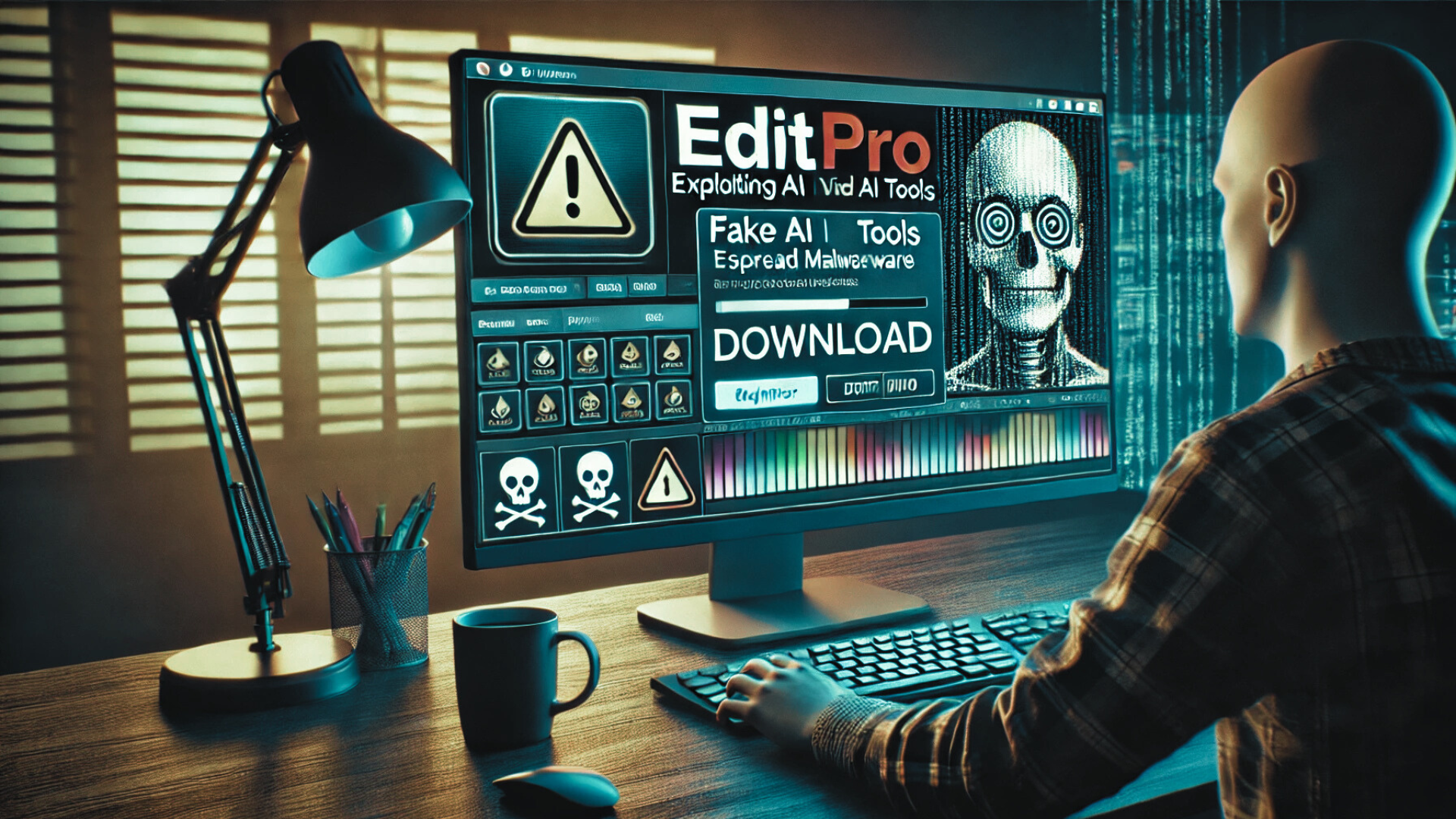
    As artificial intelligence (AI) becomes increasingly integrated into our digital lives, cybercriminals are capitalizing on the popularity of AI tools to execute sophisticated malware attacks. The emergence of a fake AI video generator called EditPro is a stark reminder of the potential risks. Here’s what you need to know to protect yourself from such threats.

    The Danger of Fake AI Software

    Overview of the Threat:

    • Deceptive Practices: Cybercriminals have crafted fake websites that mimic legitimate AI video and image generator platforms. They promote these tools on social media, boasting free access and ease of use to entice unsuspecting users.
    • Malicious Downloads: Users who fall for these traps might download files like “Edit-ProAI-Setup-newest_release.exe” or “EditProAi_v.4.36.dmg,” which contain malware strains known as Lumma Stealer on Windows and AMOS on macOS.

    Impact on Users:

    • Stolen cryptocurrency credentials and personal login information.
    • Browsing history and other sensitive data exfiltrated and potentially sold on the dark web.

    Recognizing the Signs of a Scam

    Warning Indicators:

    • Ads promoting advanced AI tools for free.
    • Domains using misleading suffixes such as “.pro” or “.org” that attempt to appear legitimate.
    • Instant prompts to download software upon visiting a site.

    Proactive Measures to Protect Yourself

    Before Downloading:

    • Conduct thorough research on the tool or website.
    • Verify the legitimacy of the website through reviews and by confirming the official web address.

    Using Trusted Sources:

    • Always download software from reputable sources such as official websites or approved app stores.

    Securing Your Data:

    • Regularly update and strengthen passwords.
    • Refrain from storing sensitive information like wallet credentials in browsers.

    Enhancing Your Cybersecurity:

    • Utilize reliable antivirus software capable of detecting and blocking malware.
    • Implement two-factor authentication (2FA) across all critical accounts.

    In Case of Infection:

    • Change all compromised passwords immediately, particularly those linked to financial services.
    • Conduct a full malware scan and remove any identified threats.
    • Consider restoring your system from a secure backup if the infection persists.

    Conclusion: Don’t Let Your Guard Down

    The rise of fake AI software is an alarm for users to remain vigilant and cautious. By applying rigorous security measures and practicing safe browsing and downloading habits, you can significantly reduce the risk of falling victim to these cunning malware attacks.

    Visit Peris.ai for further insights on protecting your digital environment and to explore our comprehensive range of cybersecurity solutions.

    Your Peris.ai Cybersecurity Team #YouBuild #WeGuard