Tag: news

  • Think Before You Scroll: The Hidden Dangers of TikTok’s Cybersecurity Flaws

    Think Before You Scroll: The Hidden Dangers of TikTok’s Cybersecurity Flaws

    TikTok, one of the world’s most downloaded social media apps, is facing serious cybersecurity challenges. Recent incidents have revealed that hackers can compromise user accounts through sophisticated malware transmitted via direct messages (DMs). This malware can infect devices without users clicking on any links, known as a “zero-click” attack. Understanding these risks and how to mitigate them is crucial for protecting your digital safety on TikTok.

    Understanding TikTok’s Zero-Click DM Exploit

    The zero-click vulnerability within TikTok represents a severe security risk:

    • Nature of the Attack: This type of attack does not require user interaction to be executed. Merely receiving a malicious DM can compromise your TikTok account.
    • Underlying Issues: The exploit may stem from how TikTok processes content within DMs, allowing hackers to execute code that can take over accounts.
    • TikTok’s Response: The platform’s security teams are actively working to address these vulnerabilities by enhancing their security measures to prevent further exploits.

    ️ Top 5 Strategies to Safeguard Your TikTok Account

    Protecting yourself from potential cyber threats on TikTok involves several proactive steps:

    1. Implement Strong Antivirus Solutions:
    2. Create Strong, Unique Passwords:
    3. Activate Two-Factor Authentication (2FA):
    4. Regularly Update Your TikTok App:
    5. Monitor Your Account for Unusual Activity:

    Viral Content or Viral Threat?

    While TikTok continues to entertain and engage millions globally, its current cybersecurity issues pose a significant threat, especially to high-profile users. However, all users are potentially at risk and should remain vigilant by implementing the recommended protective measures.

    As TikTok works to fortify its defenses against these sophisticated cyber threats, users must take personal responsibility for their digital safety. By following the outlined steps, you can enjoy the creative world of TikTok while minimizing the risks to your digital security.

    For ongoing updates and more in-depth cybersecurity guidance, visit our website at Peris.ai.
  • Browser Beware: Over 350 Million Risky Downloads Exposed

    Browser Beware: Over 350 Million Risky Downloads Exposed

    In the realm of web browsers, extensions play a pivotal role in enhancing user experience by adding functionality and customization options. However, this flexibility also introduces significant security risks. A groundbreaking study by Stanford University has recently shed light on the alarming vulnerabilities within Chrome extensions, exposing a concerning landscape for Chrome users globally.

    Understanding the Threat Landscape

    Google Chrome’s Market Influence:

    Google Chrome, commanding a 66% share of the desktop browser market, facilitates an ecosystem where over 1.6 billion users worldwide access an array of nearly 125,000 extensions from the Chrome Web Store. This widespread use underscores the critical need for rigorous security measures.

    Extent of Exposure:

    The research highlighted more than 26,000 extensions that were flagged for severe security vulnerabilities, with around 15,400 of these containing actual malware. This revelation points to a significant oversight in security practices concerning browser extensions.

    Chronic Exposure and User Risks

    Duration of Vulnerability:

    Alarmingly, extensions harboring malware had a presence in the Chrome Web Store for an average of 380 days before removal, while those with vulnerabilities often remained available for up to 1,248 days. Certain extensions, such as “TeleApp,” housed malware for nearly 8.5 years, and “No More Holidays” breached policies for almost 11 years before detection.

    Impact on Users:

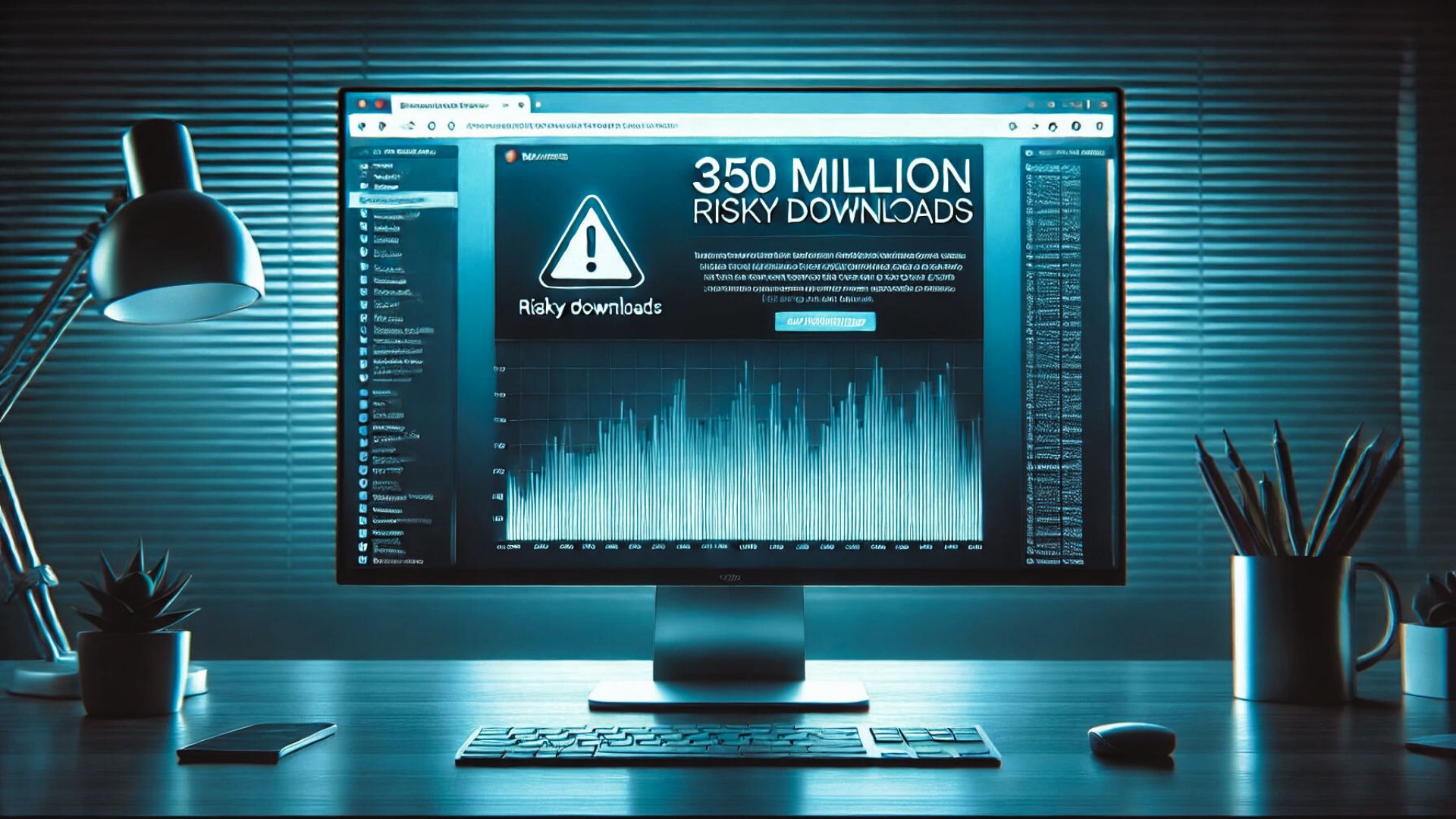
    In the past three years alone, over 346 million users have installed at least one insecure extension, and 280 million have installed extensions found to contain malware, demonstrating the widespread risk and the potential for significant personal and business data compromise.

    Proactive Measures for Enhanced Security

    User Vigilance with Extensions:

    • Assessment Before Installation: Users should scrutinize the necessity and credibility of each extension. Investigating the developer, reading reviews, and checking the number of downloads can offer insights into the extension’s reliability.
    • Routine Audits: Regularly review and prune unnecessary or unused extensions to minimize potential exposure.

    Enhancing Browser Security:

    • Antivirus and Anti-Malware Protection: Employ robust antivirus programs that offer real-time protection against malicious software, including harmful browser extensions.
    • Activate Browser Security Features: Modern browsers come equipped with various security settings that can help shield against untrusted extensions and websites.

    Staying Informed:

    • Security Updates: Keeping abreast of the latest security news, updates, and alerts pertaining to browser extensions is crucial. Utilize community forums, official security bulletins, and trusted cybersecurity news sources.
    • Security Tools: Leverage tools designed to analyze and report on the security status of browser extensions to ensure your digital safety.

    Conclusion: The Critical Need for Vigilant Cybersecurity Practices

    The pervasive issue of insecure browser extensions underscores the necessity for vigilant cybersecurity practices. By staying well-informed and implementing strategic security measures, users can safeguard their personal and professional data from potential threats posed by compromised browser extensions.

    For ongoing updates and in-depth insights into cybersecurity, ensure you stay connected with us at Peris.ai.

    Stay vigilant, stay secure.

    Your Peris.ai Cybersecurity Team #YouBuild #WeGuard

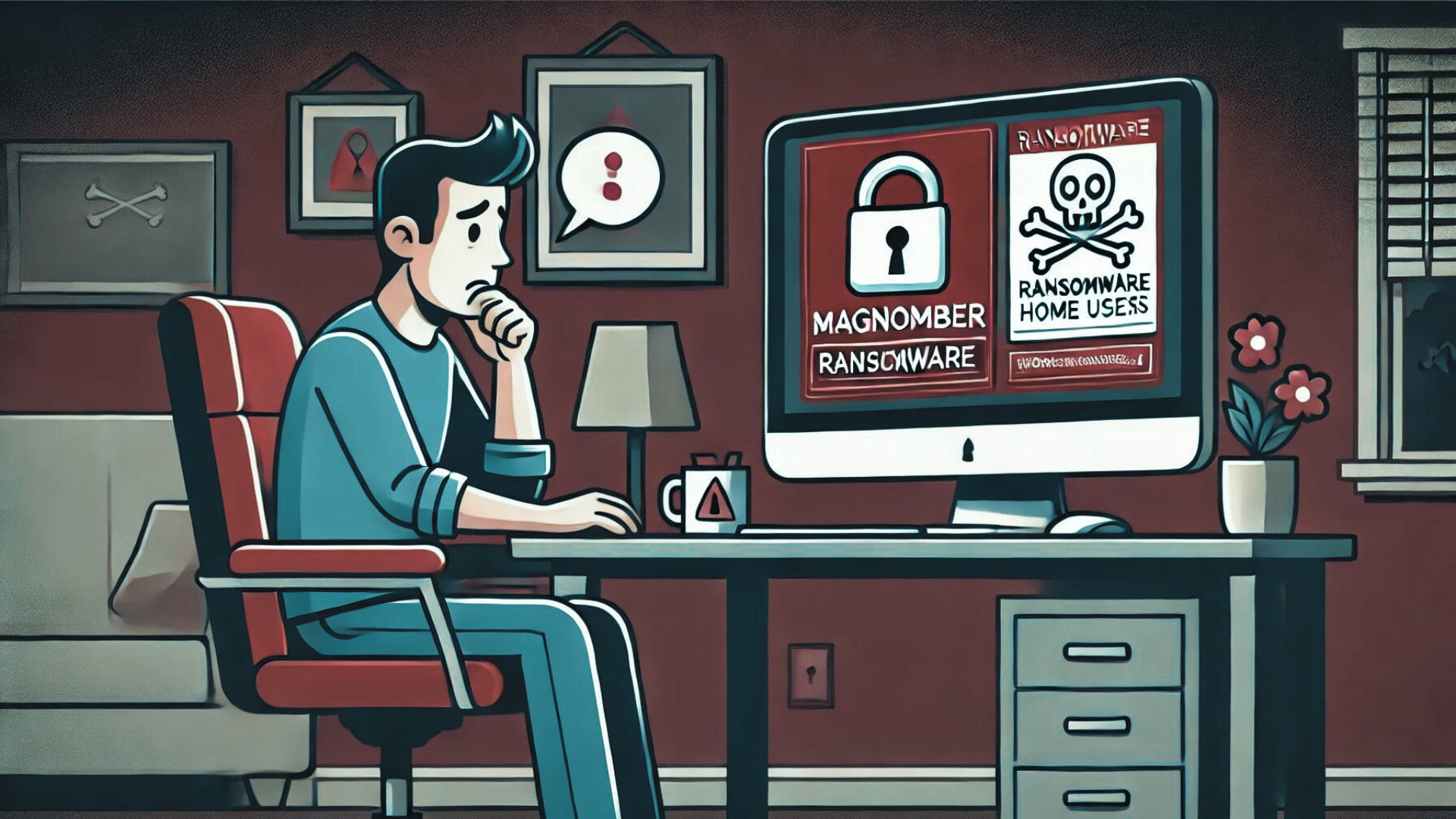
  • Magniber Ransomware: A Growing Threat to Home Users

    Magniber Ransomware: A Growing Threat to Home Users

    As cyber threats evolve, Magniber ransomware has resurfaced, targeting home users globally by encrypting devices and demanding ransoms. Here’s an in-depth look at Magniber, its methods, and effective precautions to safeguard against this persistent threat.

    Understanding the Magniber Ransomware Campaign

    Ransomware Overview:

    • Origins: Magniber was first identified in 2017, evolving from the notorious Cerber ransomware.
    • Distribution Tactics: It exploits Windows zero-day vulnerabilities, deceives users with fake software updates, and spreads through illicit software cracks and key generators.

    Recent Surge in Attacks:

    • Increase in Activity: Since July 2024, there has been a noticeable spike in Magniber ransomware attacks.
    • Impact: Over 720 incidents have been reported, demonstrating its significant reach among individual users.

    Encryption Tactics and Ransom Demands:

    • Encryption Technique: Magniber uses a potent encryption method, appending unique extensions like .oaxysw or .oymtk to encrypted files.
    • Ransom Instructions: Victims find a ransom note named READ_ME.htm on their device, which includes payment instructions accessible via a Tor website.
    • Ransom Costs: Demands typically start at $1,000, increasing to $5,000 if the ransom is not paid promptly within three days.

    Decryption Challenges:

    • Past Solutions: In 2018, a decryptor was released by AhnLab, which has since become ineffective due to updates by the cybercriminals.
    • Current Status: As of now, no free decryption solutions are available for the latest strains of Magniber ransomware.

    Protective Measures Against Magniber Ransomware

    Avoid Unsafe Software Sources:

    • Risks of Illicit Downloads: Software cracks and key generators are high-risk sources for malware distribution. Refrain from downloading these to prevent ransomware infections.

    Enhance Security Protocols:

    • Update Security Software: Regular updates to antivirus and anti-malware programs are essential to detect and thwart malicious attacks effectively.

    Data Backup Strategies:

    • Routine Data Backups: Consistently back up your data to external drives or cloud storage. This redundancy can be crucial for restoring your information without succumbing to ransom demands.

    Cybersecurity Awareness:

    • Stay Updated: Keep abreast of the latest cybersecurity threats and protective strategies to enhance your digital defenses.

    ️ Your Proactive Cybersecurity Stance

    The revival of Magniber ransomware underscores the necessity of vigilant cybersecurity practices. By avoiding unauthorized downloads and maintaining up-to-date security measures, you can significantly mitigate the risk of falling victim to such attacks.

    For individuals impacted by Magniber, a dedicated support topic is available, offering guidance and recovery suggestions.

    Stay Informed, Stay Protected

    For further updates on cybersecurity and detailed insights, visit our website at peris.ai.

  • Understanding ‘Malware Cluster Bombs’: A New Cyber Threat

    Understanding ‘Malware Cluster Bombs’: A New Cyber Threat

    Overview of Malware Cluster Bomb Attacks

    Hackers are now employing a new and concerning method in cyber-attacks by deploying what’s being referred to as “malware cluster bombs.” This technique involves attacking computers with up to ten different malware strains simultaneously, significantly increasing the potential damage and control over the infected systems.

    Malware Cluster Bombs Explained

    Origin of the Attack: Security researchers at KrakenLabs have unearthed this tactic, which they attribute to a hacker group named Unfurling Hemlock. These attacks are particularly alarming due to their complexity and the volume of threats they deliver in a single payload.

    Mechanism of the Attack:

    • Delivery Method: These malware payloads are primarily distributed via malicious emails or malware loaders.
    • Execution Strategy: The malware utilizes an executable named “WEXTRACT.EXE”, which contains nested compressed files. Each layer of compression reveals different malware samples or another compressed file, akin to a Russian nesting doll.
    • Malware Varieties: The attacks have included a range of malware types, from info-stealers and botnets to backdoors. Notable strains observed include the Redline stealer among other prevalent malware.

    How to Protect Against Malware Cluster Bomb Attacks

    Preventative Measures:

    • Email Vigilance: Exercise caution with email attachments and links, especially those from unknown or dubious sources.
    • Safe Browsing Practices: Avoid downloading files from untrusted websites and be wary of executing any files that are downloaded unexpectedly.

    Enhanced Security Practices:

    • Utilization of Antivirus Software: It’s crucial to install and update reputable antivirus software that can detect and block the sophisticated layers of malware delivered by these attacks.
    • System Updates: Keep your operating system and all software up to date to mitigate vulnerabilities that could be exploited by such malware.

    Stepping Up Your Cyber Defense

    Given the evolving nature of cyber threats, understanding and preparing for the latest attack methods is essential. The emergence of malware cluster bombs represents a significant escalation in cyber warfare, capable of delivering multiple threats to a system simultaneously.

    Key Recommendations:

    • Robust Antivirus Protection: Ensuring that your antivirus software is capable and up-to-date is more crucial than ever. Tools like Microsoft’s Windows Defender should be enabled as they provide effective baseline protection.
    • Continuous Education: Stay informed about the latest in cyber threats and the best practices for defending against them. Awareness is your first line of defense.

    Conclusion:

    The introduction of malware cluster bombs is a stark reminder of the sophistication and relentless innovation of cybercriminals. By adopting stringent cybersecurity measures, maintaining vigilance, and regularly updating security protocols, organizations can shield themselves from these and other advanced cyber threats.

    For more detailed insights and continuous updates on cybersecurity, visit our website at peris.ai.

    Stay vigilant, stay secure.

  • Cyber Attacks Unmasked: The True Cost Isn’t Just About Recovery!

    Cyber Attacks Unmasked: The True Cost Isn’t Just About Recovery!

    Cyberattacks are becoming more frequent and increasingly costly. According to Cybersecurity Ventures, the global cost of cybercrime is expected to soar from $3 trillion in 2015 to $10.5 trillion annually by 2025. This astronomical figure underscores the sophisticated methods that cybercriminals have developed to execute their malicious endeavors successfully.

    The Multifaceted Financial Impact of Cyberattacks

    While direct expenses such as ransomware payments and data recovery are often the focus, the actual cost of a cyberattack extends far beyond these immediate financial outlays. The repercussions can be severe and multifaceted for businesses, particularly those in critical sectors like finance, healthcare, and transportation. Here’s a breakdown of some of the hidden costs:

    • Revenue Loss: Operational disruptions can lead to significant financial losses. Downtime prevents transactions and impacts service delivery, affecting sales and eroding customer trust and loyalty over time.
    • Strained Relationships: Cyberattacks can damage relationships with customers and suppliers, potentially leading to long-term reputational harm and lost business opportunities.
    • Regulatory Fines and Increased Insurance Premiums: Non-compliance with regulations such as GDPR and CCPA can result in hefty fines. Moreover, businesses that fall victim to cyberattacks often face higher insurance premiums as their risk profile increases.

    Understanding and Mitigating Vulnerabilities

    A substantial portion of cyber vulnerabilities can be attributed to human error. A study by Stanford University found that employee mistakes cause 88% of data breaches. Cybercriminals exploit these weaknesses by crafting emails and messages and manipulating human emotions to provoke actions that breach security protocols.

    However, technological gaps also play a significant role. Organizations rely heavily on firewalls, antivirus software, and intrusion detection systems. While these tools are vital, over-dependence on them can create a false sense of security. Cybercriminals continually evolve their tactics to bypass these defenses, necessitating a more comprehensive approach to cybersecurity.

    A Multi-Pronged Approach to Enhancing Digital Defense

    To effectively counteract these threats, organizations must adopt a layered security strategy that includes:

    • Technological Upgrades: Regular updates and patches are crucial to address security vulnerabilities in software and systems.
    • Employee Education: Training employees to recognize phishing attempts and understand the importance of security practices is critical.
    • Regular Security Audits and Penetration Testing: These measures help identify potential weaknesses before attackers can exploit them.
    • Advanced Threat Detection Systems: Implementing cutting-edge solutions can help quickly identify and mitigate threats.

    The Role of Individuals in Cybersecurity

    Beyond organizational and national efforts, individuals have a crucial role in maintaining cybersecurity. Regularly updating personal cybersecurity knowledge and practices can help safeguard personal information and contribute to broader digital ecosystem security.

    Stay Protected with Peris.ai Cybersecurity

    In the face of these growing threats, staying informed and prepared is essential. Peris.ai Cybersecurity is dedicated to providing the latest information and tools to protect against sophisticated cyber threats. Visit our website for more detailed guides on maintaining cybersecurity hygiene and keeping up with the latest in cyber threat defense.

    Secure your digital presence and enhance your cybersecurity knowledge with Peris.ai Cybersecurity—your shield in the cyber world.

  • Malware Threats Escalate for macOS Users via Deceptive Ads and Websites

    Malware Threats Escalate for macOS Users via Deceptive Ads and Websites

    Cybersecurity researchers have sounded the alarm over a sophisticated campaign deploying stealer malware, including Atomic Stealer, targeting Apple macOS users through malicious advertisements and counterfeit websites. The operation, aimed at pilfering sensitive data from unsuspecting victims, underscores the growing concerns over macOS security vulnerabilities.

    Sneaky Infection Methods and Malware Delivery

    The attack exploits users’ trust in search engines, directing them to fake ads that lead to look-alike websites crafted to distribute malware. One such instance involves individuals searching for Arc Browser, only to be misled by sponsored links to a malicious site (“airci[.]net”) that cannot be accessed directly, hinting at tactics designed to skirt detection mechanisms. This site is responsible for disseminating a disk image file (“ArcSetup.dmg”) that harbors the Atomic Stealer malware, tricking users into entering system passwords via a fraudulent prompt to facilitate data theft.

    Another vector identified by Jamf Threat Labs involves a bogus website (“meethub[.]gg”), purportedly offering free group meeting scheduling software. Instead, it deploys stealer malware capable of extracting keychain data, web browser credentials, and cryptocurrency wallet information. This malware, bearing similarities to the Realst Rust-based stealer family, employs AppleScript to deceive users into surrendering their macOS login credentials for malicious purposes.

    Exploiting Professional Engagements for Malware Spread

    The attackers have employed creative pretexts, such as job opportunity discussions or podcast interview invitations, to coax targets into downloading malicious applications under the guise of joining video conferences. This approach appears particularly aimed at individuals within the cryptocurrency sector, exploiting their public visibility to orchestrate high-reward attacks.

    Emerging Trends and Sophisticated Evasion Techniques

    Recent disclosures by Moonlock Lab, MacPaw’s cybersecurity division, reveal another method involving malicious DMG files (“App_v1.0.4.dmg”) that leverage obfuscated AppleScript and bash payloads fetched from a Russian IP. This technique deceives users into bypassing macOS’s Gatekeeper security, emphasizing the stealth and sophistication of these malware campaigns.

    Additionally, malvertising campaigns distributing the FakeBat loader (aka EugenLoader) and other information-stealing malware through decoy sites mimic popular software like Notion and PuTTY, further illustrating the expansive threat landscape.

    The Increasing Threat to macOS Environments

    These findings starkly illustrate that macOS environments are no longer immune to the rising tide of cyber threats. With stealer malware evolving to incorporate advanced anti-virtualization techniques and self-destruct mechanisms, the urgency for heightened vigilance and robust cybersecurity defenses has never been more pronounced.

    Peris.ai Cybersecurity advises macOS users to exercise extreme caution with online advertisements and downloads, especially from unverified sources. As the sophistication of cyberattacks continues to evolve, maintaining an informed and proactive stance is essential for safeguarding sensitive information against these insidious threats.

    via The Hacker News

  • Understanding the Ascension Ransomware Incident and Its Lessons

    Understanding the Ascension Ransomware Incident and Its Lessons

    The Incident at a Glance

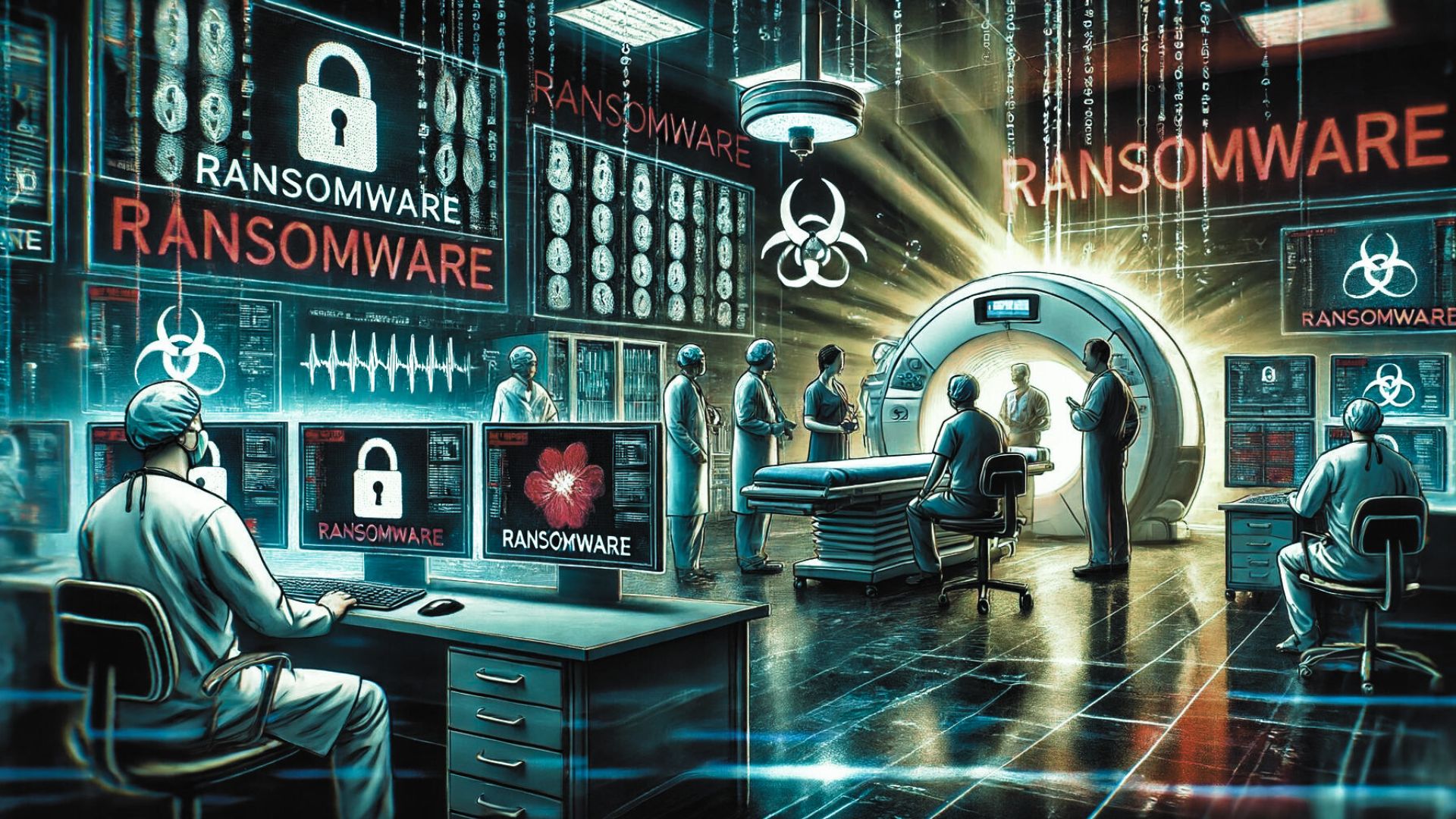
    In May 2024, Ascension, a major healthcare provider, experienced a significant cybersecurity breach when an employee inadvertently downloaded a malicious file. This seemingly small mistake triggered a ransomware attack that had extensive repercussions across the organization’s operations.

    How the Breach Happened

    • Initial Breach: The employee downloaded what they believed was a legitimate file, which turned out to be ransomware.
    • Systems Impacted: Critical systems such as the MyChart electronic health records, telecommunication systems, and the digital platforms for ordering tests, procedures, and medications were severely affected.

    The Immediate Aftermath

    • Operational Disruption: To contain the attack, Ascension was forced to take numerous systems offline, switching to manual paper records—a significant step back from the digital efficiencies they usually operate with.
    • Service Delays: Non-urgent procedures and appointments were delayed or canceled, and emergency services had to be redirected to prevent critical care delays.

    Extended Impact and Ongoing Recovery

    • Continued Service Disruption: Weeks after the attack, Ascension is still working diligently to restore full functionality to its health records systems, patient communication channels, and clinical ordering systems.
    • Data Compromise: Investigations revealed that threat actors accessed and extracted data from 7 out of approximately 25,000 servers. The compromised data included Protected Health Information (PHI) and Personally Identifiable Information (PII).

    Ransomware Attribution

    • Black Basta Group: The attack has been attributed to the Black Basta ransomware group, known for its disruptive cyber activities targeting various sectors.

    Recommendations for Strengthening Cybersecurity

    • Employee Vigilance: Enhance training programs to help employees identify phishing attempts and malicious files. Promote a security-first culture where verification of file sources is standard practice.
    • Advanced Technical Defenses: Deploy state-of-the-art endpoint protection solutions that preemptively identify and neutralize malicious downloads. Utilize network segmentation to limit the spread of potential breaches.
    • Incident Preparedness: Update and test incident response strategies regularly. Simulate different breach scenarios to ensure all personnel are prepared to act swiftly and effectively.
    • Data Protection Measures: Encrypt sensitive information and maintain regularly updated, secure backups of essential data to mitigate the damage from potential data breaches.

    From Attack to Action

    The Ascension incident is a potent reminder of the vulnerabilities that exist even within sophisticated IT infrastructures. It underscores the necessity of comprehensive security measures and continuous vigilance. Organizations must view cybersecurity as a critical component of their operational integrity, particularly in sectors as sensitive as healthcare.

    For continued guidance on safeguarding your systems and to stay ahead of the latest cybersecurity trends, visit Peris.ai.

  • Many Faces: Understanding the 7 Popular Types of Ransomware

    Many Faces: Understanding the 7 Popular Types of Ransomware

    As ransomware continues to be a significant cybersecurity threat in 2024, it is crucial for individuals and organizations to understand the various types of ransomware. Last year, 59% of organizations reported being targeted by ransomware attacks, with recovery costs averaging a staggering $2.73 million, reflecting a 50% increase from the previous year, as reported by the World Economic Forum.

    What is Ransomware?

    Ransomware is a type of malicious software designed to block access to a computer system or data, typically by encrypting files, until a sum of money is paid. Often, ransomware spreads through phishing emails or by exploiting software vulnerabilities, with cybercriminals usually demanding payment in cryptocurrency. In 2024, these attacks have evolved to focus on data theft and employ more advanced encryption techniques, increasing their threat level.

    The Seven Main Types of Ransomware

    1. Crypto Ransomware Description: Encrypts files, rendering them inaccessible without a decryption key. Impact: Severely cripples access to critical data. Examples: Maze, Ryuk

    2. Locker Ransomware Description: Locks you out of your entire computer system, not just specific files. Impact: Prevents access to the device until a ransom is paid. Examples: LockerGoga, LockerPin

    3. Scareware Description: Uses fake warnings and alerts to trick users into thinking their system is infected with malware. Impact: Often tricks users into paying for non-existent threats or fake antivirus software. Examples: SpySheriff, XPAntivirus

    4. Doxware (Extortionware) Description: Threatens to publish the victim’s sensitive data unless a ransom is paid. Impact: This can lead to significant reputational damage by exposing sensitive personal or corporate information. Examples: REvil

    5. Ransomware-as-a-Service (RaaS) Description: Cybercriminals rent or sell ransomware tools to affiliates, enabling them to carry out attacks. Impact: Lowers the entry barrier for attackers, spreading the reach of ransomware campaigns. Examples: LockBit, BlackCat

    6. Wiper Malware Description: Focuses on permanently deleting data from the infected systems. Impact: Unlike typical ransomware, the goal is disruption rather than financial gain. Examples: NotPetya

    7. Specific Ransomware Strains

    Examples:

    • CryptoLocker: Uses strong RSA public-key cryptography to encrypt files.
    • WannaCry: Exploits a Windows vulnerability to cause widespread damage.
    • Petya/NotPetya: Encrypts files and spreads autonomously within networks.
    • Cerber: Employs advanced techniques to evade detection.
    • Bad Rabbit: Disguised as a fake Adobe Flash installer, it spreads through compromised websites.

    How to Protect Yourself from Ransomware

    • Regular Backups: Maintain up-to-date backups of your data, which are stored offline to avoid contamination.
    • Software Updates: Keep all systems and applications updated to close security loopholes.
    • Network Segmentation: Isolate critical segments of your network to limit the spread of ransomware.
    • Advanced Security Tools: Implement cutting-edge ransomware protection solutions.
    • Incident Response Plan: Develop a comprehensive plan for responding to ransomware incidents without succumbing to ransom demands.

    Immediate Actions If You Suspect a Ransomware Infection

    • Disconnect: Isolate the affected systems from the network to prevent the spread.
    • Secure Data: Safeguard any external drives and backups.
    • Stop Processes: Terminate any suspicious processes running on your systems.
    • Documentation: Capture evidence of the ransom note and any other pertinent details.
    • Report: Inform relevant authorities to get professional help and mitigate legal repercussions.
    • Security Measures: Change all passwords and consider wiping affected drives after backing up important data.

    Conclusion

    Understanding and preparing for ransomware is more critical than ever. By familiarizing yourself with the different types of ransomware and adopting proactive security measures, you can significantly enhance your defenses against these costly and disruptive threats.

    Stay informed, stay secure.

    Visit Peris.ai for more insights and up-to-date cybersecurity information.

  • Unveiling Snapekit: A Sophisticated New Rootkit Targeting Arch Linux

    Unveiling Snapekit: A Sophisticated New Rootkit Targeting Arch Linux

    Rootkits are among the most insidious forms of malware, capable of deeply embedding themselves within the operating system to provide unauthorized access and control, all while remaining undetected. The recent discovery of Snapekit, a new rootkit targeting Arch Linux systems, highlights the ongoing evolution and sophistication of cybersecurity threats. This article delves into Snapekit’s capabilities, its implications for cybersecurity, and offers strategic recommendations for combating such advanced threats.

    ⚠️ Understanding Snapekit

    Advanced Targeting and Stealth Capabilities: Snapekit specifically targets Arch Linux systems running version 6.10.2-arch1-1 on x86_64 architecture. It distinguishes itself through its ability to intercept and modify 21 different system calls, allowing it unprecedented control over system operations.

    Stealth and Evasion Techniques: This rootkit utilizes a user-space dropper, enhancing its stealth by operating in areas typically under-monitored by standard security tools. Furthermore, it actively avoids detection by evading leading security analysis tools such as Cuckoo Sandbox, JoeSandbox, and others, altering its behavior if such tools are detected.

    Anti-Analysis Features: Snapekit is equipped with PTrace detection mechanisms to thwart debugging attempts and employs multiple layers of evasion, resisting both automated analysis tools and manual reverse engineering efforts.

    Implications of the Snapekit Rootkit

    Threat to the Cybersecurity Landscape: Snapekit’s advanced capabilities make it a formidable threat, particularly concerning its potential release as open-source software on GitHub, as indicated by its creator, Humzak711. While this move could foster enhanced defensive tactics among security professionals, it also risks aiding malicious actors in crafting similar threats.

    Challenges for Security Defenses: The rootkit’s robust defense mechanisms, including code obfuscation and anti-debugging routines, present significant challenges for current detection methodologies. Security teams are compelled to innovate, employing advanced tools and collaborative strategies to detect and neutralize such threats.

    ️ Proactive Defense Strategies

    Enhanced Detection and Analysis: Security teams must enhance their capability to detect and analyze sophisticated malware like Snapekit by:

    • Establishing advanced sandboxing environments to isolate and analyze the behavior of potential malware.
    • Utilizing collaborative frameworks that facilitate the sharing of insights and strategies within the cybersecurity community.
    • Developing techniques to bypass anti-debugging and obfuscation measures employed by malware, enabling deeper analysis and understanding of its underlying mechanisms.

    Staying Ahead of Emerging Threats

    The emergence of Snapekit underscores the critical need for vigilance and adaptability in cybersecurity practices. As cyber threats continue to evolve, maintaining an edge requires ongoing education, the use of cutting-edge analytical tools, and a collaborative approach to cybersecurity.

    For ongoing updates and expert insights into managing the latest cybersecurity challenges, visit our website at peris.ai.

    Stay vigilant, stay protected.

  • Don’t Click That Update! The Hidden Dangers of Fake Chrome Pop-Ups!

    Don’t Click That Update! The Hidden Dangers of Fake Chrome Pop-Ups!

    In today’s interconnected world, the creativity of cyber criminals seems to be constantly evolving, posing new and sophisticated threats. A notable trend in the cybersecurity landscape is the emergence of fake Google Chrome update pop-ups, a deceptive tactic that tricks users into downloading malware under the guise of legitimate updates.

    Understanding the Fake Chrome Update Scam

    How It Operates:

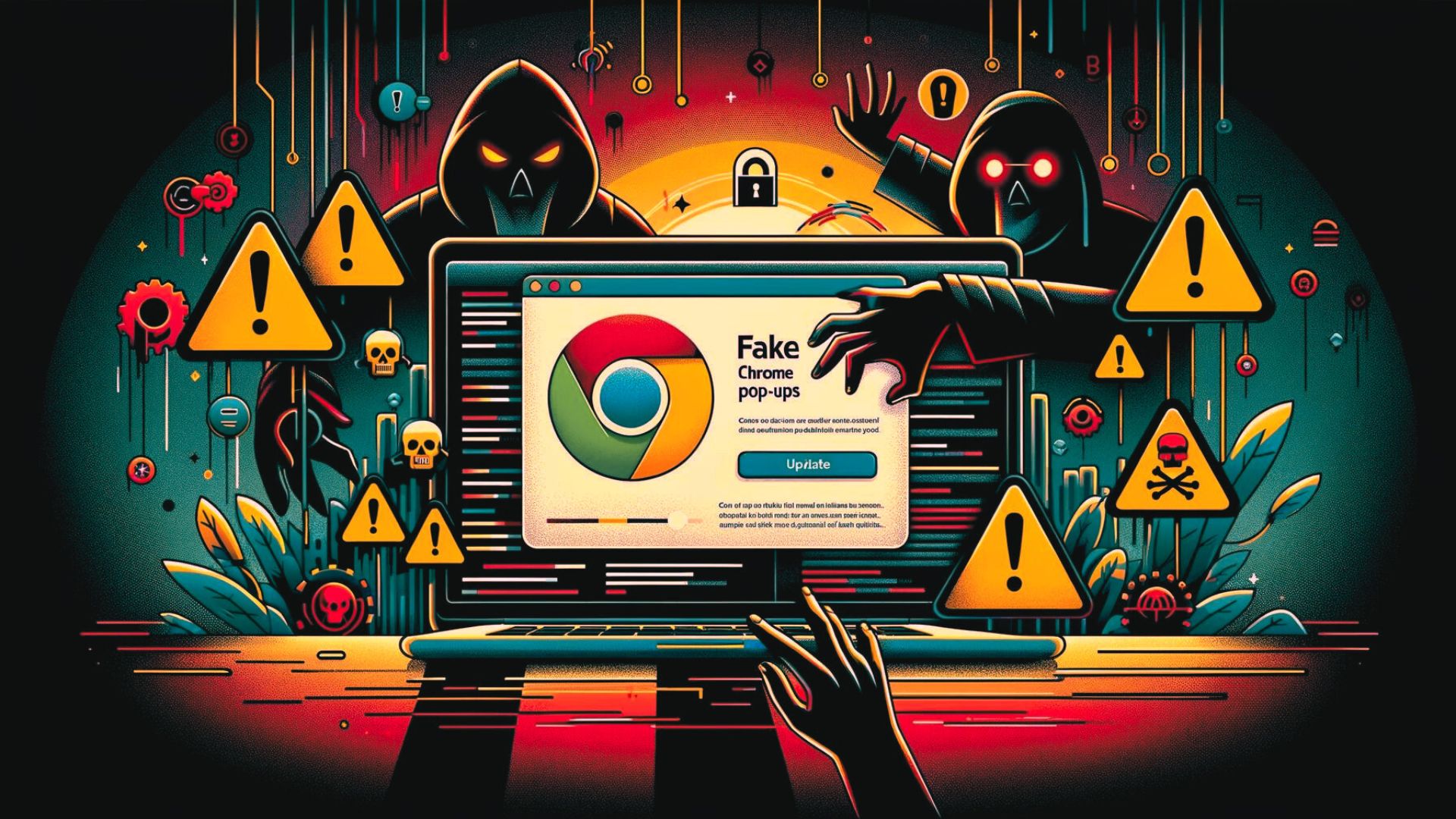
    • Website Hijacking: Cyber attackers inject malicious code into poorly secured websites. When visitors arrive, a pop-up message falsely claiming to be from Google Chrome appears, usually within a few seconds of the page load.
    • Deceptive Pop-Ups: The pop-up typically prompts an urgent update with messages like “Warning Exploit Chrome Detect. Update Chrome Browser,” accompanied by a convincing “Update” button.

    The Malicious Mechanism Behind the Scam

    • Clicking the Menace: Users who click on the pop-up are redirected to URLs crafted to initiate the download of malware, such as SocGholish, which includes remote access Trojans and infostealers.
    • Fake URLs: Examples of these malicious URLs include deceptive links that mimic legitimate update channels but lead to harmful downloads.

    The Dangers of Complacency

    • Broad Impact: This scam is not limited to users of Chrome; the deceptive message pops up even for those using different browsers, broadening the potential victim base.
    • Advanced Detection: Tools like Sucuri’s SiteCheck can identify these threats, often flagged as malware.fake_update.3, indicating a widespread recognition of the scam within the cybersecurity community.

    Strategies to Mitigate Risk and Enhance Security

    • Proactive Website Security: Implement strict access controls, such as Two-Factor Authentication (2FA), especially for administrative functions. Adopt a minimalistic approach to website privileges—limit plugin use and enforce strong, unique passwords for all user accounts.
    • Ongoing Vigilance and Maintenance: Regularly update and patch all software components of your website to close any vulnerabilities that could be exploited. Consider deploying a web application firewall (WAF) as a defensive barrier against incoming threats.

    Conclusion: Your Defense Against Deceptive Updates

    Fake Google Chrome update alerts are a significant threat not just to individual users but also to businesses that depend on the integrity of their websites and online platforms. By understanding the mechanics of this scam and implementing stringent protective measures, you can safeguard your digital assets against such insidious attacks. Always approach update prompts with scepticism, verify through official channels and maintain rigorous cybersecurity practices.

    For continuous protection and the latest in cybersecurity defences, visit Peris.ai and empower your digital journey with confidence.

    Stay vigilant, and stay secure with Peris.ai Cybersecurity.

    For more insights and to keep your guard up against digital threats, follow us at Peris.ai.

    Your Peris.ai Cybersecurity Team #YouBuild #WeGuard